Never Lose Your Belongings Again
Smart QR tags that connect finders to you instantly. No GPS tracking, no apps needed for finders, just peace of mind.
Why TagTrek?
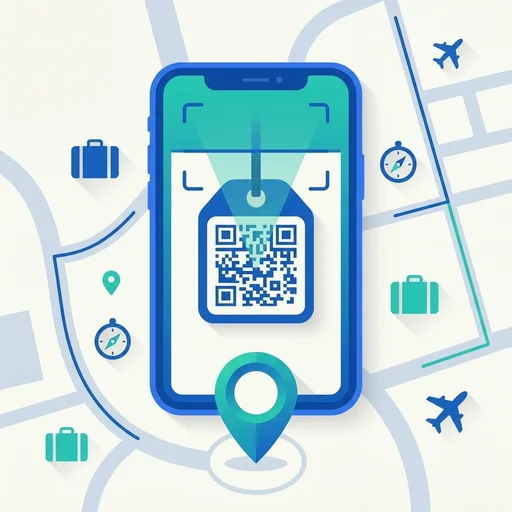
QR Smart Tags
Simple scanning, no app needed for finders. Anyone with a phone can help return your items.
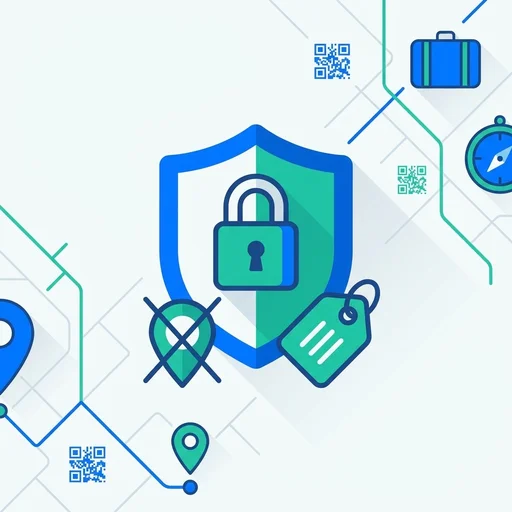
Privacy First
No GPS tracking ever. You control exactly what information is visible in each mode.
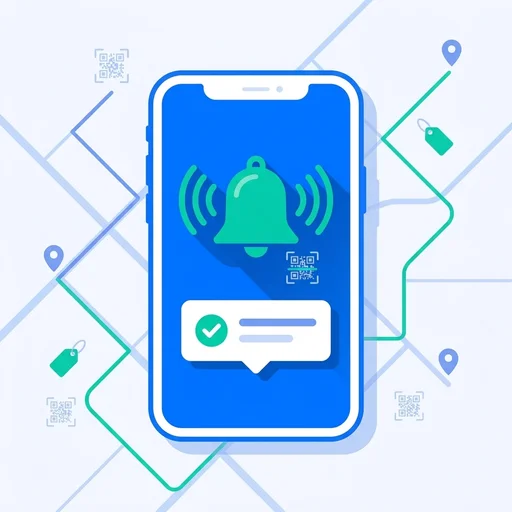
Real-time Alerts
Get instant push notifications the moment someone scans your tag.
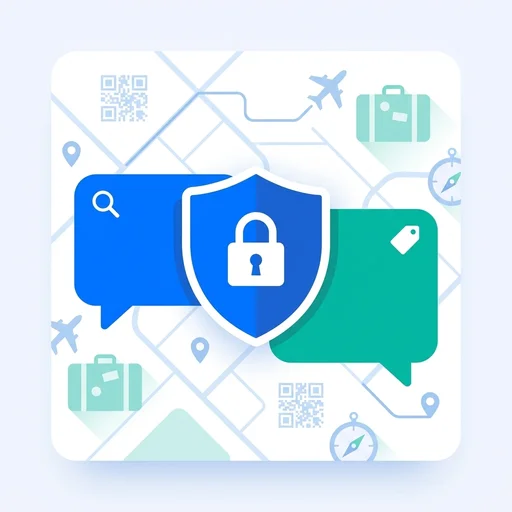
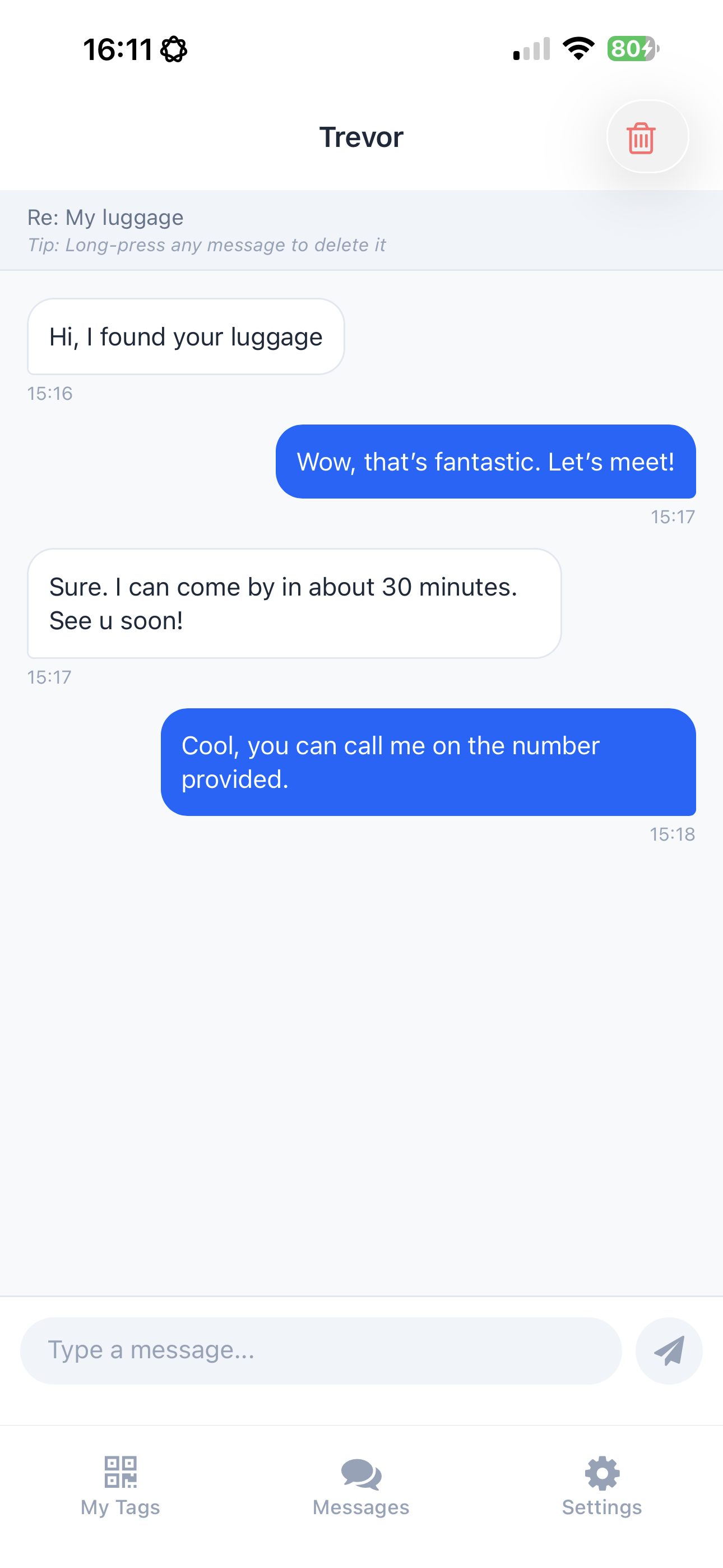
Private Chat
Finders can message you directly. Simple and secure for everyone.
How It Works
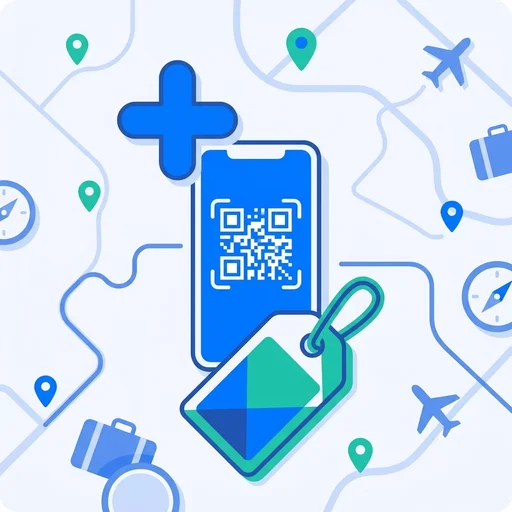
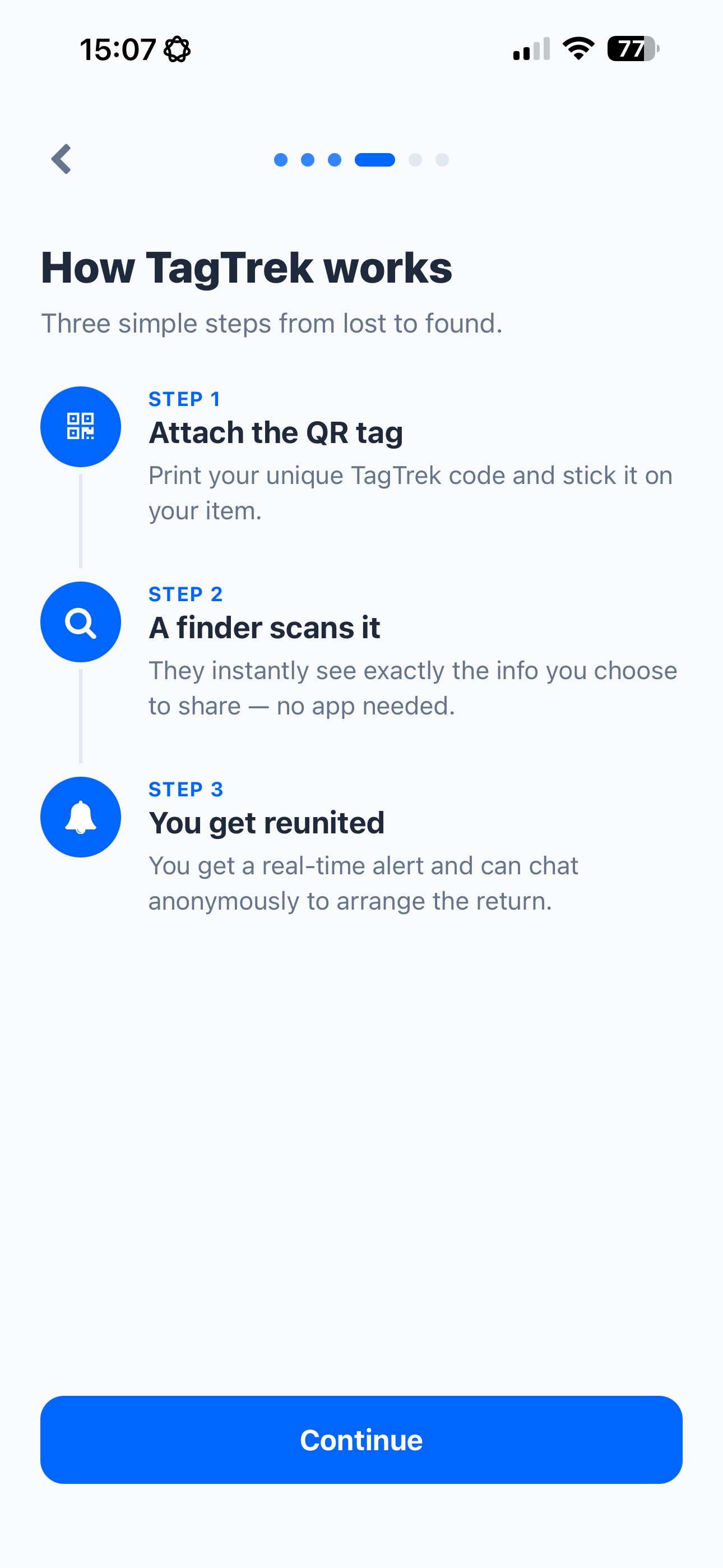
Create
Add your items in the app and generate unique QR codes
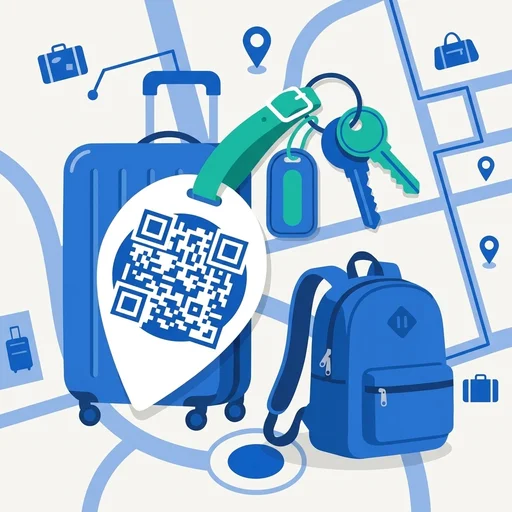
Attach
Print and stick tags on luggage, keys, or anything valuable
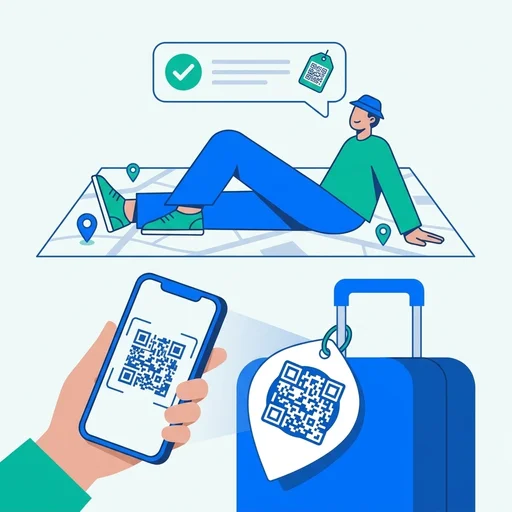
Relax
Get notified instantly if someone finds and scans your item
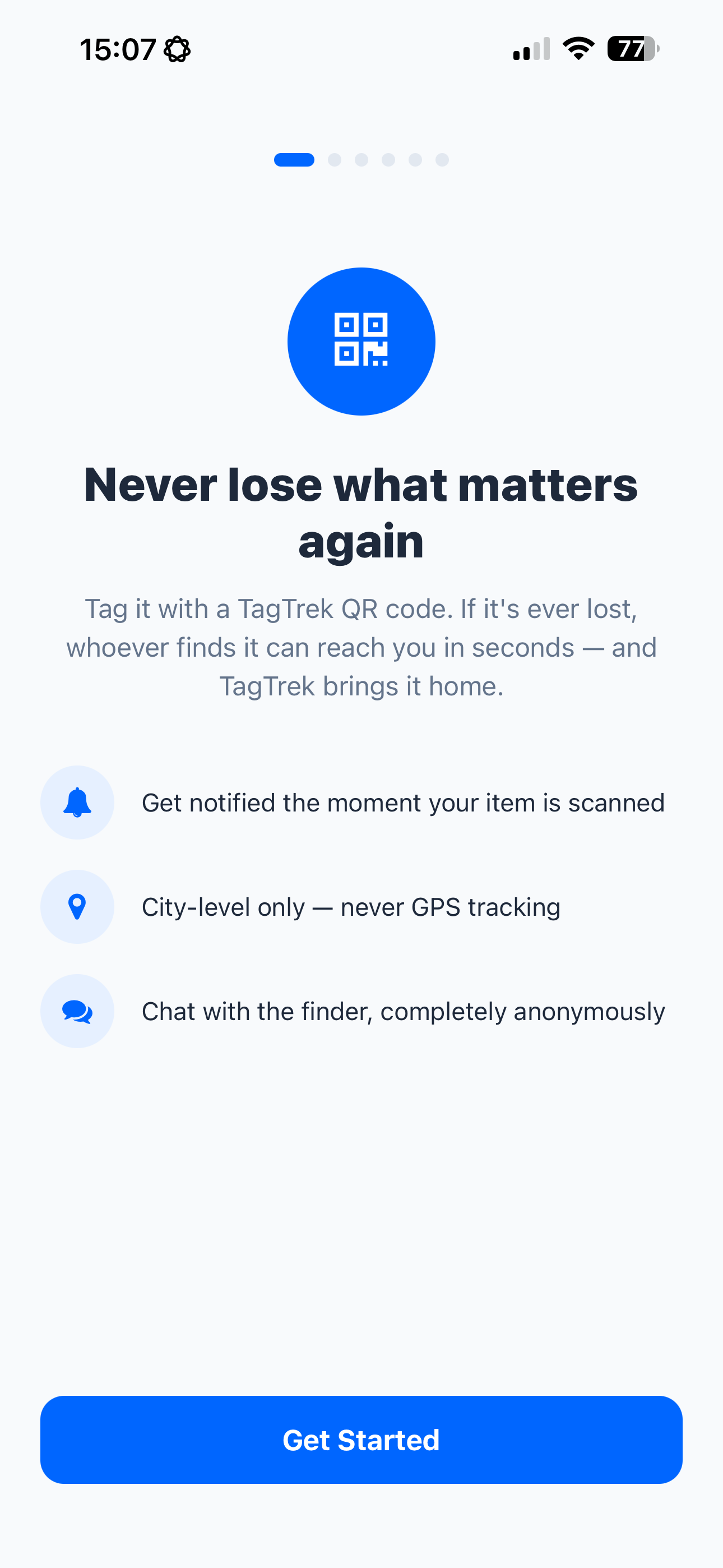
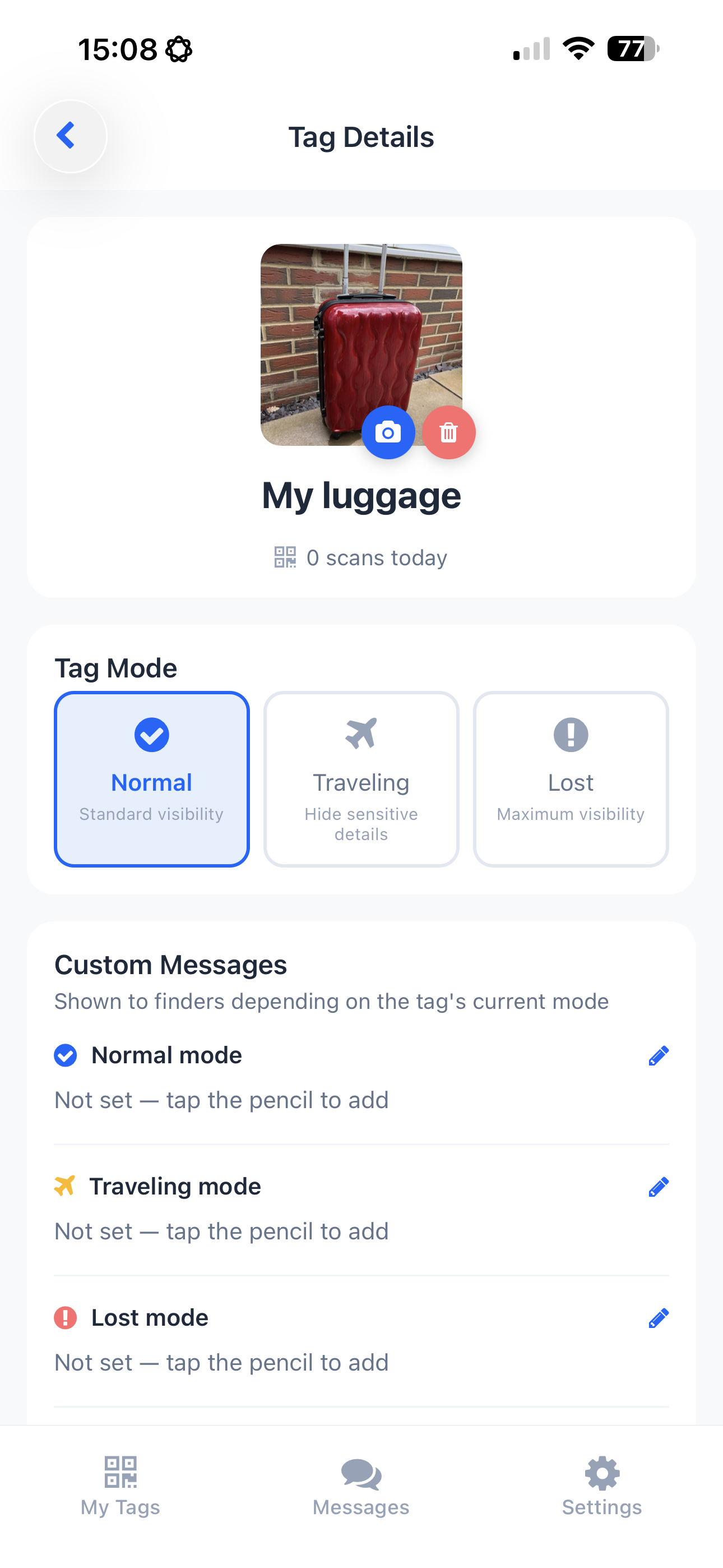
See it in action
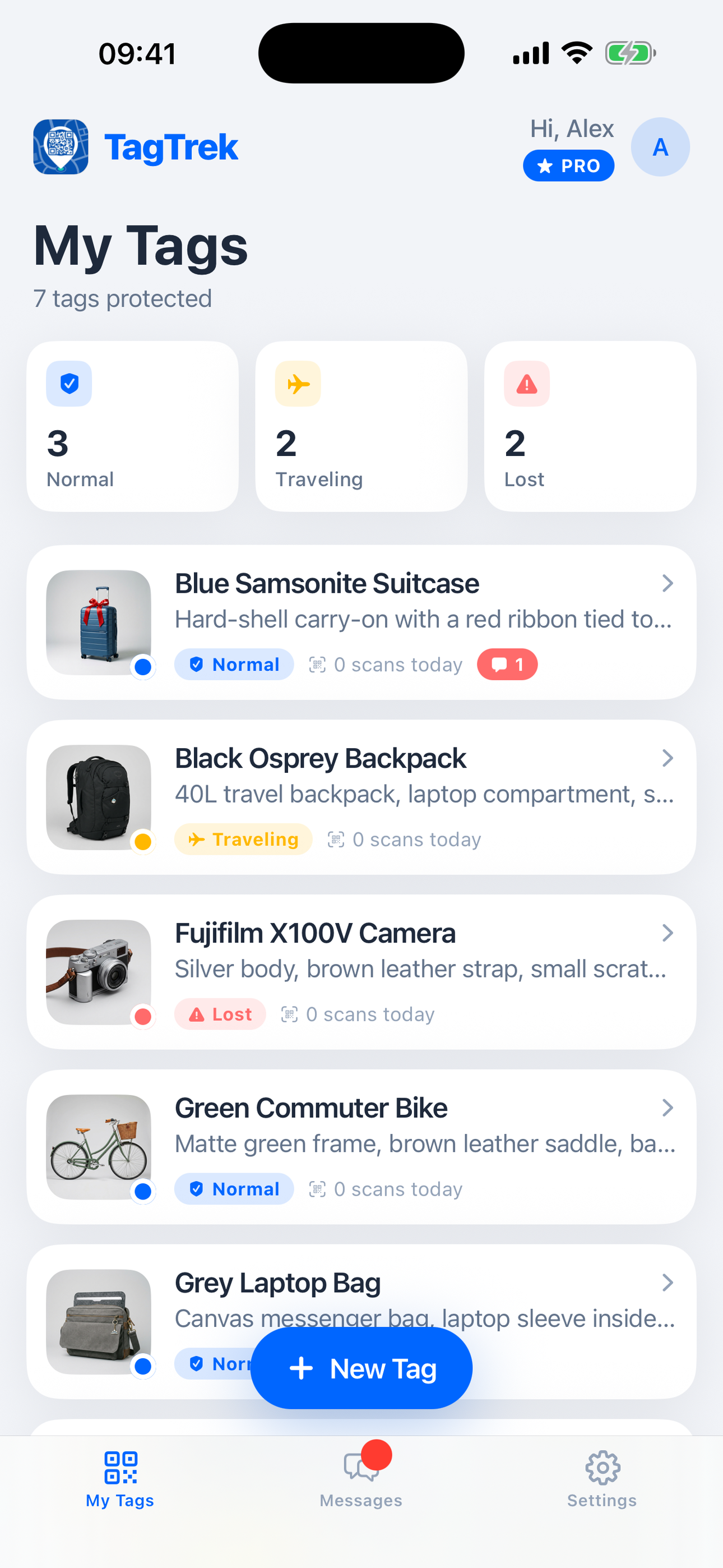
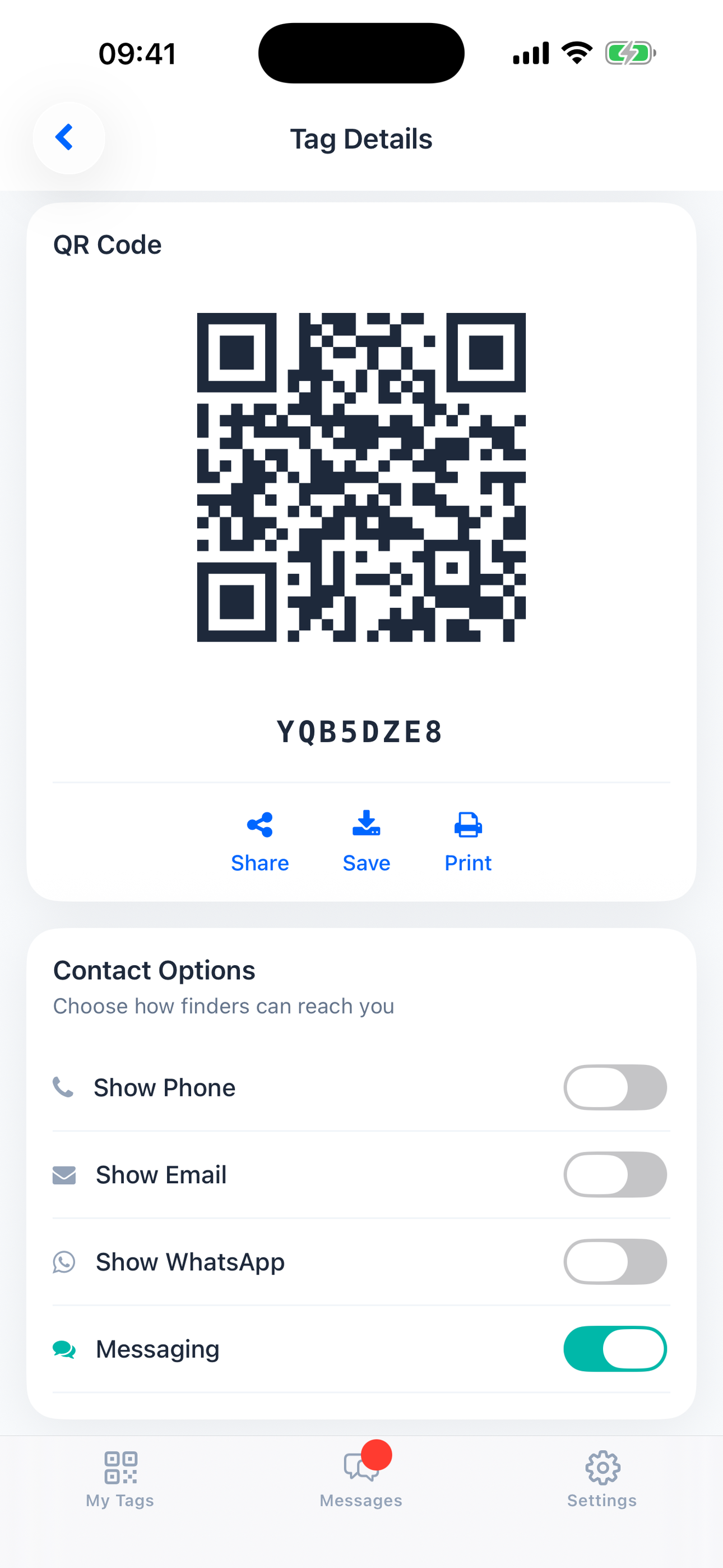
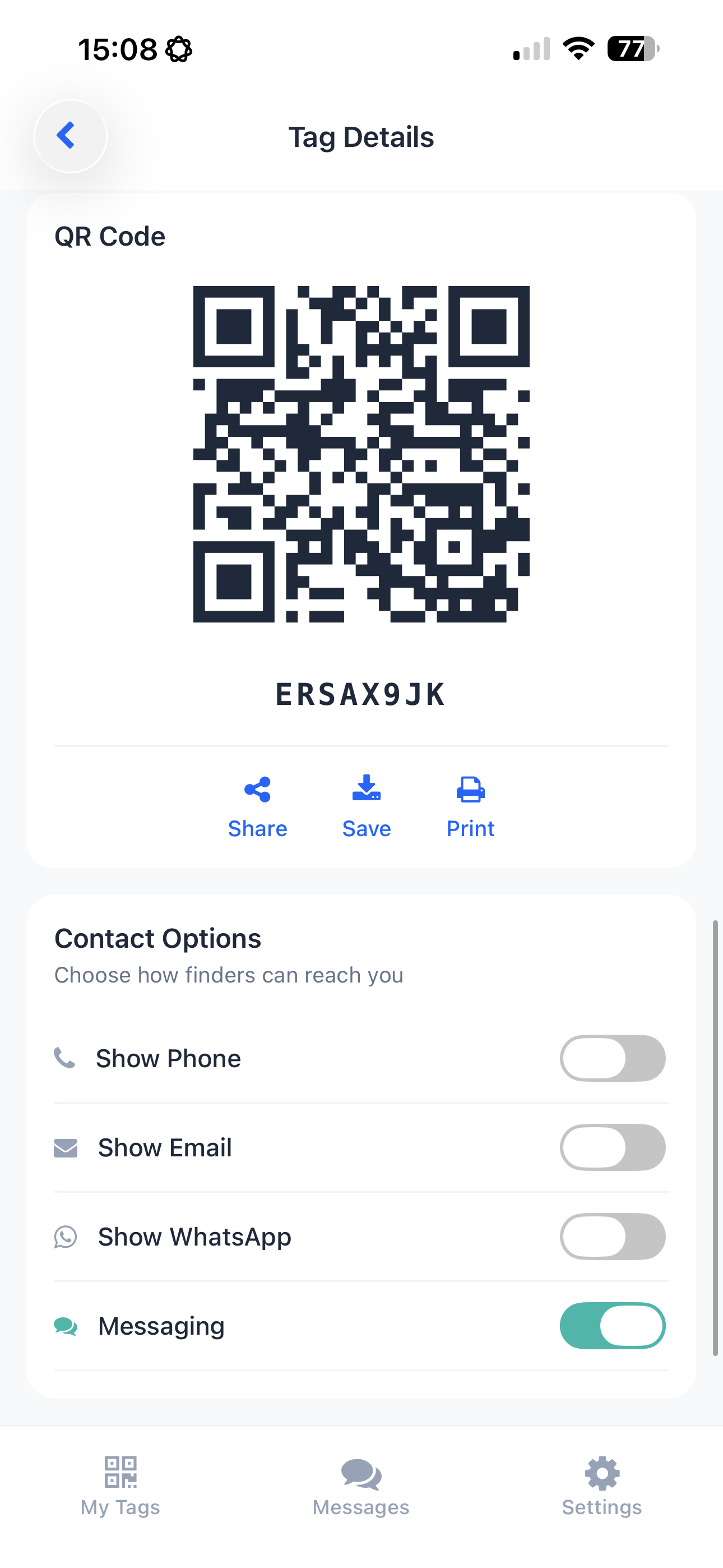
A quick look inside the TagTrek app.
Frequently Asked Questions
What happens when someone scans my tag?
They see your item info and can contact you via the options you've enabled—phone, email, WhatsApp, or chat. No app needed for finders.
Do I need to buy physical tags?
No! Just print QR codes on any sticker, label, or luggage tag. The app generates downloadable designs you can print at home or at any print shop.
Is my location tracked?
Never. TagTrek doesn't use GPS or track your location. You can set a city for context, but it's completely manual.
Can finders see my personal info?
Only what you choose to share. Use Private Mode to hide all information until you switch to Lost mode. You're always in control.
What's the difference between tag modes?
Normal shows basic info for everyday use. Traveling hides sensitive details while you're on the go. Lost enables all contact options to maximize chances of recovery.
How do I print my QR tags?
The app generates high-resolution QR codes you can download. Print them on adhesive labels, luggage tags, or waterproof stickers from any print shop.
Ready to protect your belongings?
Download TagTrek and create your first tag in minutes.