
AirTag vs Tile vs SmartTag: Which Item Tracker Fits Your Phone and Needs?
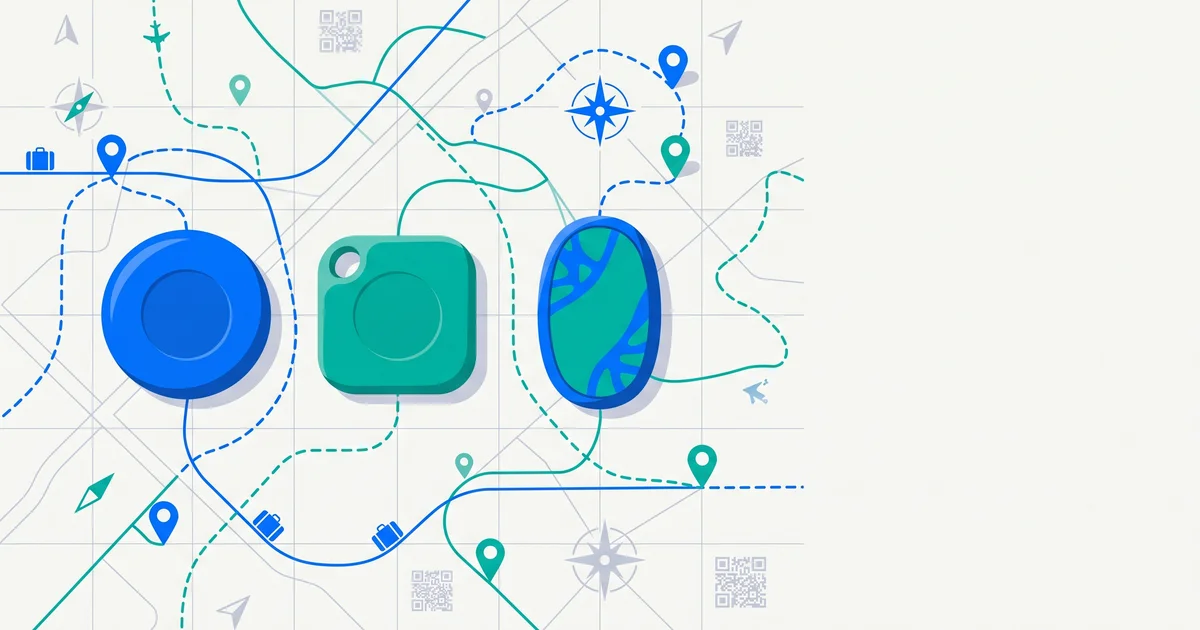
If you’ve ever wanted to know exactly where your keys, bag or suitcase is, you’ve probably looked at Bluetooth item trackers. The big names — Apple AirTag, Tile and Samsung Galaxy SmartTag — all promise to help you find things, but they work quite differently. Here’s how they compare and how to choose.
The short answer
The biggest factor is your phone: AirTag is for iPhone (Apple’s Find My network), Samsung SmartTag is for Galaxy phones (SmartThings Find), Tile works on both iPhone and Android, and Android users also have trackers built for Google’s Find Hub network. Trackers are great for locating items, but they don’t let a finder contact you — pair them with a visible contact tag.
How Bluetooth trackers work
Trackers send out a Bluetooth signal. Nearby phones on the same network anonymously pick it up and report the location, which you see in an app. The more compatible phones nearby, the better the tracking. Some trackers also support Ultra Wideband (UWB) for “precision finding” — directional arrows to guide you to an item nearby.
Comparison at a glance
Features change between generations and regions — check current specs before buying.
| Apple AirTag | Samsung Galaxy SmartTag | Tile | Find Hub–compatible trackers | |
|---|---|---|---|---|
| Works with | iPhone / iPad | Samsung Galaxy phones | iPhone and Android | Android |
| Finding network | Apple Find My | Samsung SmartThings Find | Tile network | Google Find Hub |
| Precision finding (UWB) | On supported iPhones | On supported Galaxy phones and tags | Varies by model | Varies by model |
| Anti-stalking alerts | Yes | Yes | Yes (with scan features) | Yes |
| Best for | iPhone users | Galaxy users | Mixed-device households | Android users outside Samsung |
What to look for in a tracker
- Compatibility with your phone.
- Network size where you live and travel.
- Battery: replaceable coin cell or rechargeable.
- Water resistance for bags and outdoor gear.
- Size and attachment — keyring loop, card-shaped for wallets, stick-on.
- Loudness of the built-in speaker for finding things at home.
- Safety features like unwanted-tracking alerts.
TagTrek turns any item into a smart QR tag. If it's lost, whoever finds it can reach you in seconds — no app, no account, no GPS tracking.


Trackers for luggage
Trackers are popular for suitcases because they show where a delayed bag is. Apple’s Share Item Location feature even lets you share an AirTag location with many airlines. How to share your AirTag location with an airline.
Check your airline’s rules on trackers with lithium batteries — standard coin-cell trackers are widely accepted in checked bags, but rules can vary.
What trackers can’t do
- Let a finder contact you. Someone who picks up your keys can’t see who they belong to.
- Work without a network. In remote areas or places with few compatible phones, updates may be slow.
- Fit everything. Small or flat items don’t always have room.
- Help with theft recovery. Don’t try to recover stolen items yourself — contact police.
That’s why many people combine a tracker with a visible tag. QR tags vs AirTags goes deeper into the difference.
Privacy and safety
All major trackers include unwanted-tracking protections, and iPhone and Android can alert you to unknown trackers travelling with you. If you get an alert you don’t expect, follow your phone’s guidance and consider contacting local authorities if you feel unsafe.
The bottom line
Choose a tracker based on your phone: AirTag for iPhone, SmartTag for Galaxy, Tile for mixed households, and Find Hub–compatible trackers for other Android phones. Trackers are excellent for locating things — but they can’t help a stranger return your item. Pair one with a visible contact tag for the best of both.
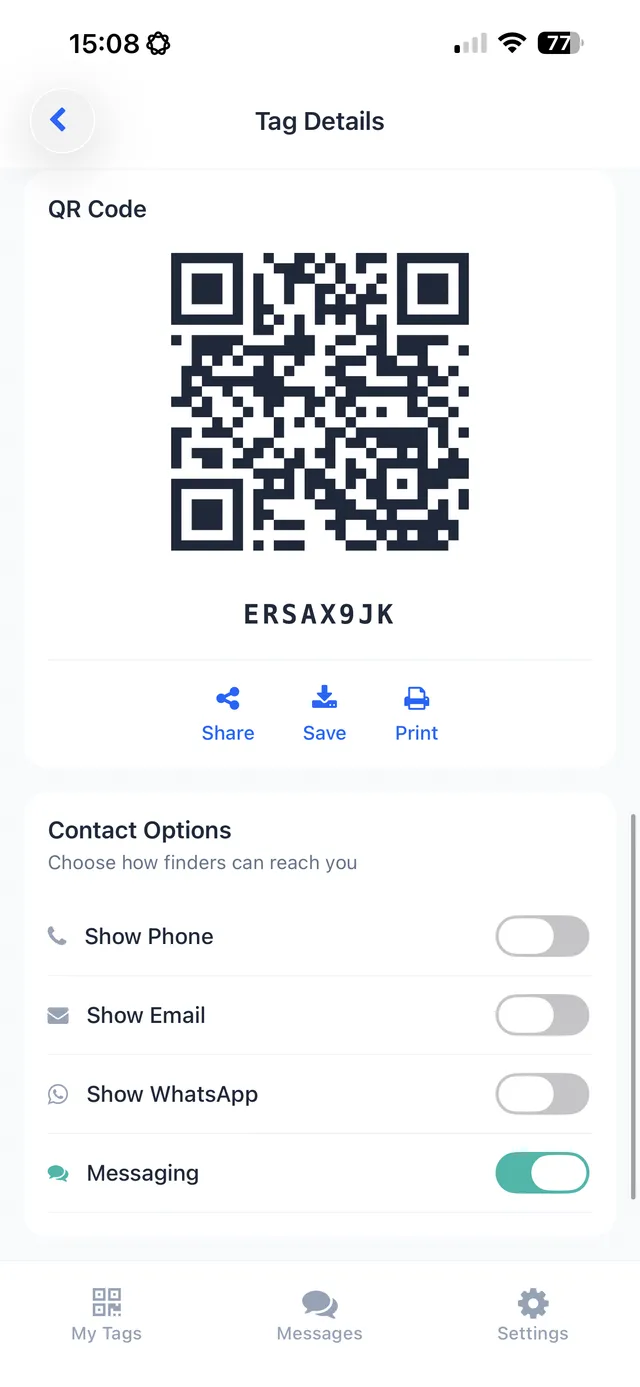
TagTrek is that complementary layer: printable QR tags for luggage, keys, wallets, pets and more. Anyone who finds your item scans it with any phone — no app, no account — and contacts you through the options you choose. No GPS, no batteries, and you control what finders see in Normal, Traveling and Lost modes.
Frequently asked questions
Should I get an AirTag, Tile or SmartTag?
It mostly depends on your phone. AirTags work with iPhone and Apple's Find My network; Samsung SmartTags work best with Galaxy phones; Tile works with both iPhone and Android. Choose the one whose network matches your devices.
Do AirTags work with Android?
AirTags are designed for iPhone. Android users can scan for unknown AirTags for safety, but can't set one up or use it to find their items.
Which tracker has the biggest network?
Apple's Find My network is very large because it uses nearby Apple devices. Google's Find Hub network and Samsung's network also use their users' devices. Coverage varies by region.
Is a Bluetooth tracker enough to get a lost item back?
A tracker helps you locate an item, but a finder can't use it to contact you. Pairing a tracker with a visible contact tag gives the best chance of getting items back.
Never lose your bag again
TagTrek turns any item into a smart QR tag. If it's lost, whoever finds it can reach you in seconds — no app, no account, no GPS tracking.