
How to Share Your AirTag Location With an Airline (and When It Actually Helps)
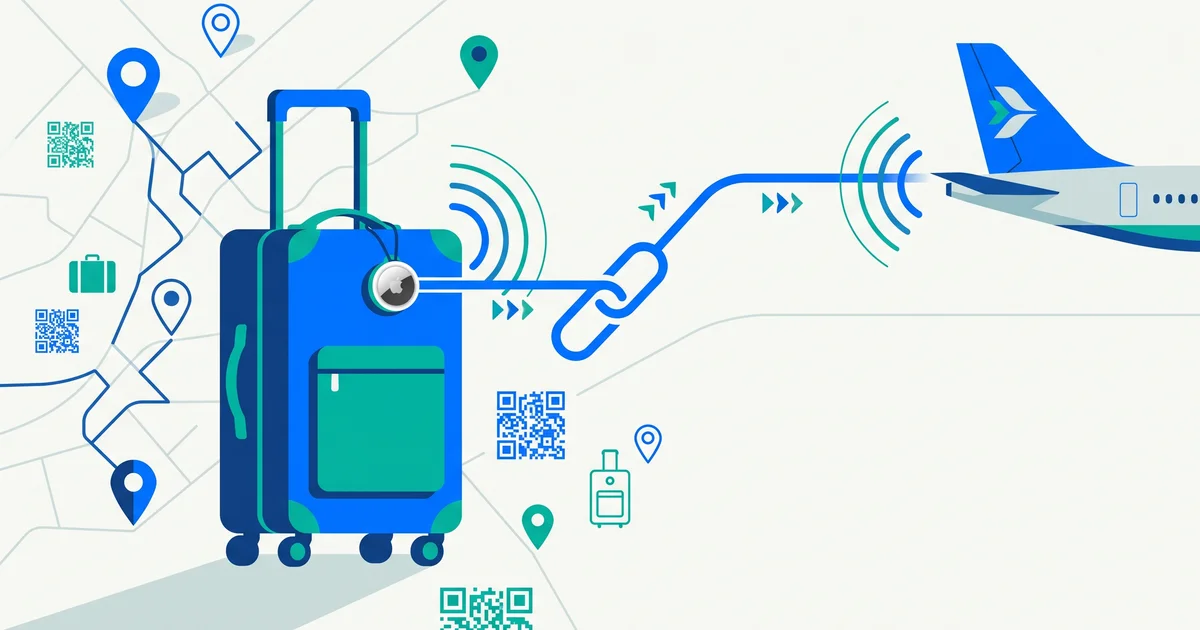
For years, travellers with AirTags in their suitcases faced an odd situation: they could see exactly where their lost bag was, but couldn’t easily show the airline. Apple’s Share Item Location feature changed that. Here’s how to share your AirTag location with an airline, what it does well — and what it doesn’t.
The short answer
With Share Item Location (introduced in iOS 18.2), you can create a secure link to your AirTag or Find My–compatible tracker’s location and share it with a participating airline. The link expires after seven days, ends when you’re reunited with the item, and can be stopped any time. It helps airline staff locate a misrouted bag faster — but it doesn’t replace a visible luggage tag with a way to contact you.
How Share Item Location works
When you create a share link in the Find My app:
- The airline (or anyone with the link) can view the item’s location on a web page.
- The page updates as the item moves.
- Access is time-limited and can be revoked.
- Apple says it has built the feature with privacy protections, including limited access to the link.
Apple announced the feature with a group of airlines in late 2024, and the list has grown since — by early 2026 dozens of airlines accepted shared locations.
How to share your AirTag location with an airline
- Report the missing bag at the airline’s baggage desk or online, and get your file reference.
- Open Find My on your iPhone, iPad or Mac.
- Go to Items and select the AirTag in your bag.
- Tap Share Item Location and create the link.
- Give the link to the airline using their baggage process — often an online form or the agent handling your case.
- Stop sharing when you get the bag back (it also ends automatically when you’re reunited, or after seven days).
Your device needs to be on a recent version of iOS, iPadOS or macOS.
What it’s good for
| Situation | Helpful? |
|---|---|
| Bag sent to the wrong airport | Very — staff can see where it is |
| Bag left at the origin airport | Yes |
| Bag inside a large airport baggage area | Partly — location may not be precise enough indoors |
| Bag stolen | Limited — airlines can’t recover stolen items; contact police |
| Bag without power or out of network range | No — the AirTag must be able to report |
TagTrek turns any item into a smart QR tag. If it's lost, whoever finds it can reach you in seconds — no app, no account, no GPS tracking.


Limitations to know
- Accuracy varies. In large, busy buildings, location can be approximate.
- It depends on nearby Apple devices to report the AirTag’s location.
- Airlines still need to match the bag to your file. A location alone doesn’t tell staff which of hundreds of black suitcases is yours.
- It only helps if the airline participates and processes the link.
- Battery matters. Check your AirTag battery before a trip.
Why a visible tag still matters
A tracker tells you and the airline roughly where your bag is. A visible tag tells whoever is standing next to it whose bag it is and how to reach you. That’s why the most reliable setup uses both. QR tags vs AirTags goes deeper, and what to put on a luggage tag covers what to include (and what to leave off for privacy).
A travel-ready setup
- AirTag or Find My tracker inside your checked bag, battery checked.
- A visible tag outside with a private way to contact you.
- Distinctive markings so your bag is easy to spot.
- Photos of your bag and contents.
- A plan for the first 24 hours if it goes missing — here’s ours.
The bottom line
Share Item Location makes AirTags genuinely useful when an airline misplaces your bag: report the bag, create a share link in Find My, and give it to the airline. But location alone doesn’t identify your bag or let someone contact you — so pair your tracker with a clear, private ID tag.
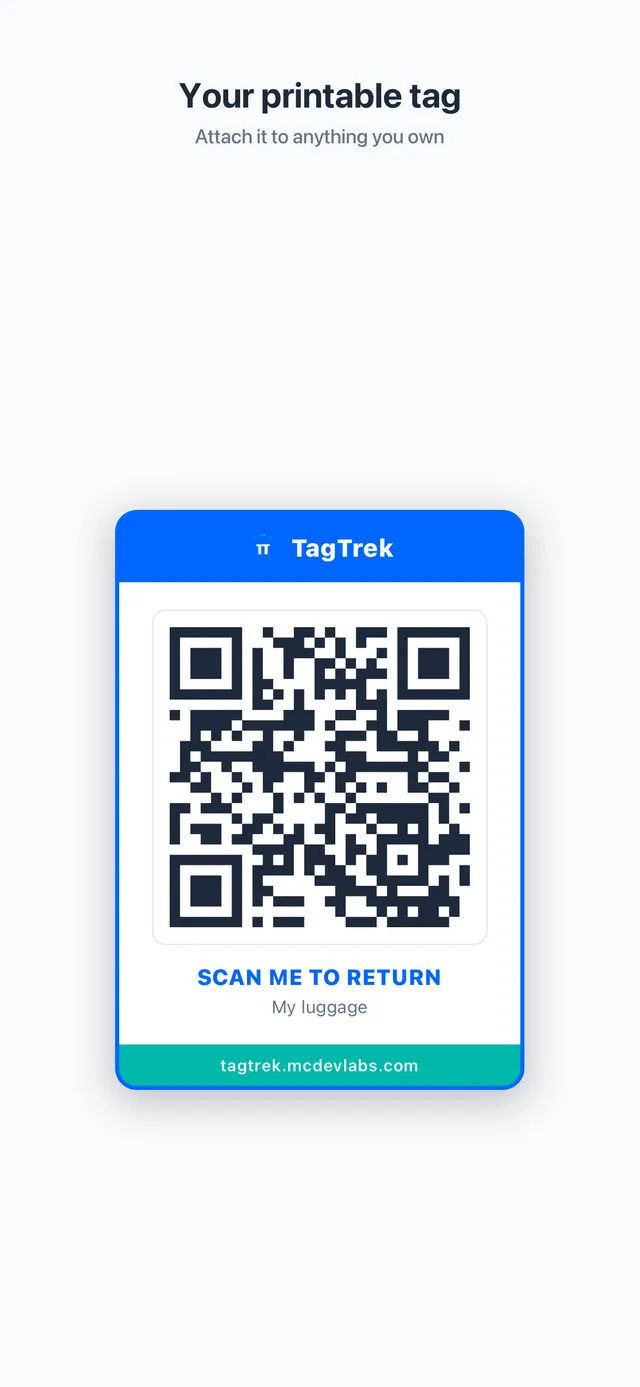
TagTrek is that tag: print a QR tag for your suitcase, set it to Traveling mode to hide sensitive details, and switch to Lost mode if the bag goes missing. Anyone who scans it — airline staff or a stranger — can contact you through the options you allow, with no app and no GPS tracking of the finder.
Frequently asked questions
Can I share my AirTag location with an airline?
Yes. Since iOS 18.2, Apple's Share Item Location feature lets you create a link to an AirTag or Find My accessory's location and share it with a participating airline.
How long does a Share Item Location link last?
The link expires after seven days, stops when you reunite with the item, and you can turn it off at any time.
Which airlines support Share Item Location?
Dozens of airlines now accept shared item locations, including many major carriers in Europe, North America and Asia-Pacific. Check your airline's baggage page for the current process.
Do I still need a luggage tag if I have an AirTag?
Yes. An AirTag shows roughly where a bag is, but a visible tag lets airline staff or anyone who finds the bag identify it and contact you. The two work well together.
Never lose your bag again
TagTrek turns any item into a smart QR tag. If it's lost, whoever finds it can reach you in seconds — no app, no account, no GPS tracking.