
QR Luggage Tags vs AirTags vs Bluetooth Trackers: Which Gets Your Bag Back?
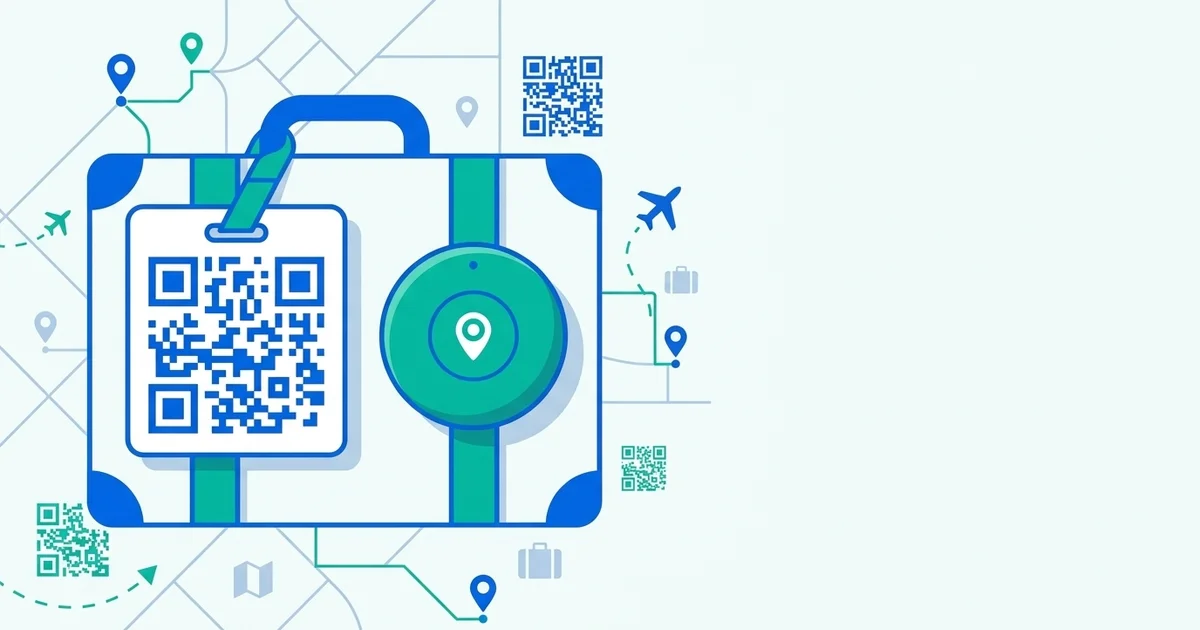
When people want to protect their luggage, they reach for an AirTag. But “knowing where your bag is” and “getting your bag back” are two different things. Here’s an honest look at QR tags, AirTags, and Bluetooth trackers — and which actually reunites you with your stuff.
The core difference: location vs return
- AirTags & Bluetooth trackers answer “Where is my bag?” They show a location on a map.
- QR tags answer “How does an honest finder return my bag?” They give whoever has it a one-scan way to reach you.
Knowing your bag is “somewhere in a sorting facility 300 miles away” is useful — but it doesn’t put the bag in your hands. A return path does.
TagTrek turns any item into a smart QR tag. If it's lost, whoever finds it can reach you in seconds — no app, no account, no GPS tracking.


How each one actually works
| AirTag | Bluetooth tracker | QR tag (TagTrek) | |
|---|---|---|---|
| Tells you location | ✓ (via Apple network) | ✓ (short range) | ✕ |
| Gets a finder to contact you | ✕ | ✕ | ✓ |
| Needs a battery | ✓ | ✓ | ✕ (it’s printed) |
| Works anywhere | Needs Apple devices nearby | ~10m range only | ✓ anywhere it’s scanned |
| Cost over time | Device + battery swaps | Device + battery | Effectively free |
| Privacy of owner | Location-based | Location-based | No personal info exposed |
Where AirTags fall short for luggage
AirTags are clever, but they have real limits as a recovery tool:
- They depend on the Apple network. In remote regions or places with few iPhones, updates dry up.
- They locate, they don’t return. If your bag is in a stranger’s hands, the AirTag won’t help them give it back — it might even feel invasive to them.
- Battery and cost. It’s a device you maintain and replace.
Where QR tags win
A QR tag is the human layer of recovery:
- Anyone can use it. Scan with any phone camera — no app required.
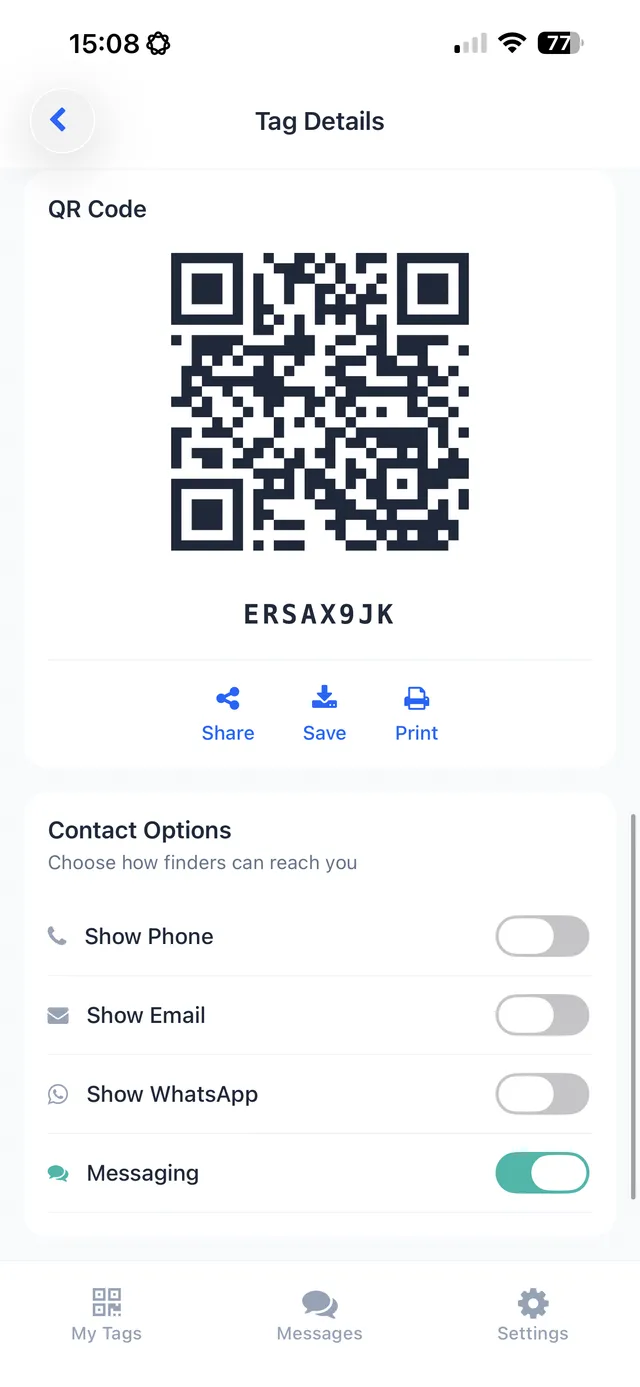
- It’s privacy-first. With TagTrek, the finder reaches you through a private channel without seeing your number or address, and there’s no GPS tracking you.
- It never runs out. It’s a printed code linked to a profile you control — no battery, no subscription hardware.
The honest verdict: use both
This isn’t really QR vs AirTag — the smartest setup is both. Drop an AirTag inside to locate the bag, and put a TagTrek QR tag on the outside so an honest finder can return it in seconds. Location plus a return path is how you actually get reunited.
If you only pick one, choose based on your goal: tracking → AirTag; getting it back → QR tag. For most travelers, the return path is what saves the trip.
Frequently asked questions
Is a QR tag better than an AirTag for luggage?
They solve different problems. An AirTag tells you where a bag is; a QR tag lets whoever finds it contact you to return it. For getting a bag back, the return path matters most — which is where QR tags shine.
Do AirTags work without other Apple devices nearby?
No. AirTags rely on nearby Apple devices to relay their location. In remote areas or non-iPhone-heavy regions, location updates can be sparse or absent.
Are QR luggage tags safe for privacy?
A well-designed QR tag like TagTrek protects you — the finder contacts you through a private channel and never sees your phone number or address, and there's no GPS tracking of you.
Can I use both an AirTag and a QR tag?
Absolutely, and many travelers do. An AirTag helps you locate the bag; a QR tag gives an honest finder an easy, private way to return it. They complement each other.
Never lose your bag again
TagTrek turns any item into a smart QR tag. If it's lost, whoever finds it can reach you in seconds — no app, no account, no GPS tracking.