
How Airport Baggage Claim Carousels Work (Codes, Delays and What It Means When Your Bag Doesn't Appear)
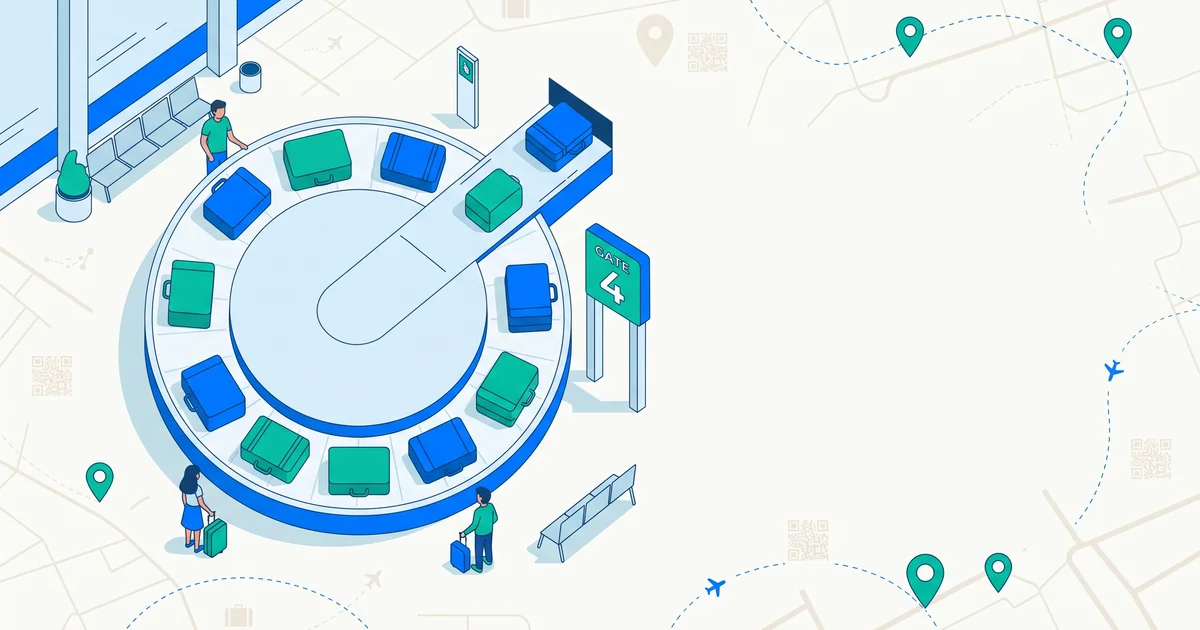
You’ve probably stood at a carousel wondering why the flight number on the screen doesn’t match what you remember, or why nothing has moved for ten minutes. The system behind baggage claim is more mechanical — and more logical — than it feels when you’re staring at an empty belt.
The short answer
Baggage carousels are assigned to a specific flight shortly before or after landing, shown on arrivals display screens in the baggage hall — always check the screen rather than assuming. Bags typically start appearing 20 to 40 minutes after landing, depending on gate distance and how many flights are unloading at once, and they come out in a essentially random order driven by how the aircraft hold was loaded, not by seat number. If the belt stops running and your bag never appeared, that almost always means it didn’t make the flight — report it at the airline’s baggage service desk immediately rather than waiting to see if it turns up.
How the system actually works
- Your bag is scanned and tagged at check-in, linking it to your flight and destination.
- It’s loaded into the aircraft hold, positioned based on weight balance and where it needs to come off, not passenger order.
- On arrival, ground crew unload the hold onto belt loaders or carts.
- Bags travel through a sorting system — sometimes quite a long physical route through the terminal — before reaching the assigned carousel.
- The carousel is displayed on arrivals screens, cross-referenced to your flight number.
- Bags cycle on the belt until claimed, generally cleared after a period of no activity if unclaimed.
Why some bags take much longer than others
- Gate-to-baggage-hall distance varies enormously between airports and even between terminals at the same airport.
- Multiple flights unloading simultaneously can create a backlog in the sorting system.
- Oversized or special items (strollers, sports equipment) are often delivered separately, sometimes at an odd-shaped baggage counter rather than the standard carousel.
- Connections with tight layovers mean your bag may be arriving on a later flight than you did — see our Delta, American and United baggage claim guides for what to do in that situation specifically.
Reading the display screen correctly
The screen typically shows your flight number, origin, and assigned carousel, sometimes with a status like “unloading” or “bags on belt.” Carousel assignments occasionally change after you’ve already looked — especially if there’s a delay or a gate change — so it’s worth glancing back at the screen if nothing has appeared after a reasonable wait, rather than assuming you’re at the wrong belt.
TagTrek turns any item into a smart QR tag. If it's lost, whoever finds it can reach you in seconds — no app, no account, no GPS tracking.


When the carousel stops and your bag isn’t there
Carousels typically keep running for a while after the last bag from a flight appears, then shut down. If the belt stops and you never saw your bag, it almost certainly means it wasn’t loaded onto your flight — a missed connection, a mistagging error, or it was left at the origin airport. This is different from a bag simply taking a long time to appear; don’t wait around hoping it’ll show up eventually. Go straight to the airline’s baggage service office and file a report. Our airline-specific guides walk through exactly what to bring and what happens next for Delta, American Airlines, and United.
What baggage handlers see that you don’t
Every bag has a barcode tag scanned at multiple points — check-in, loading, and arrival — which is how airlines can tell you whether a bag made the flight, missed a connection, or is sitting at another airport entirely. This tracking infrastructure is separate from anything visible to you at the carousel, which is part of why an agent can often tell you where your bag actually is within minutes of you reporting it missing.
Making your bag easy to spot and easy to return
Beyond knowing how the system works, the practical goal at baggage claim is twofold: spotting your bag quickly, and making sure it can find its way back to you if it doesn’t. Read how to identify your luggage for tips on making your bag stand out on a crowded belt, and what to put on a luggage tag for what information actually helps if it’s mishandled.
The bottom line
Baggage carousels run on a fairly mechanical process — check the display screen, expect some wait time, and don’t panic if bags come out in a random order. The one moment that matters is when the belt stops and your bag genuinely isn’t there — that’s your signal to report it immediately, not wait it out. A TagTrek QR tag on your checked bag adds a direct line back to you that works independently of the airline’s own system, so even a mishandled bag has a fast way home.
Frequently asked questions
How do I know which carousel my bag will be on?
Check the arrivals display screens in the baggage claim hall — they list your flight number next to the assigned carousel. This can change shortly before or after landing, so check the screen rather than relying on what you saw earlier.
Why does it take so long for bags to start appearing?
Bags travel from the aircraft hold through a belt system to the terminal, which can take 20–40 minutes depending on the airport's layout, how far the gate is from baggage claim, and how many flights are being unloaded at once.
Why do bags come out in a random order, not by seat number?
Bags are loaded into the aircraft hold based on weight distribution and loading logistics, not passenger seating, so there's no reliable correlation between where you sat and when your bag appears.
What does it mean if the carousel stops and my bag never came out?
It usually means the bag didn't make your flight — either misconnected, mistagged, or left behind at the origin airport. Report it at the airline's baggage service office immediately rather than waiting.
Never lose your bag again
TagTrek turns any item into a smart QR tag. If it's lost, whoever finds it can reach you in seconds — no app, no account, no GPS tracking.