
How to Make a QR Code Luggage Tag (and What to Put On It)
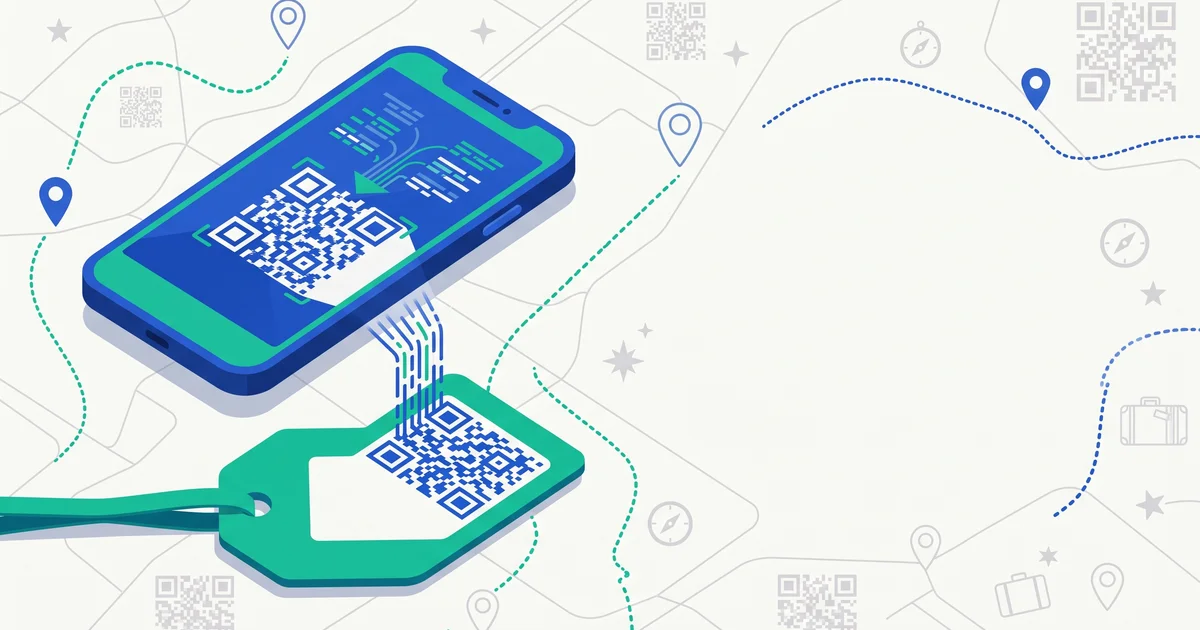
You don’t strictly need to buy a purpose-built product to put a QR code on your luggage — a QR code is just a link, and you can generate one for free in a couple of minutes. Whether that’s the right call depends on what you’re optimizing for. Here’s how to build one properly, and what actually belongs behind it.
The short answer
Making a basic QR luggage tag has three parts: a page for a finder to land on, a QR code pointing to that page, and a durable way to attach it to your bag. The page should be simple, mobile-friendly, and require no app — just enough information for a finder to identify the bag as yours and reach you. The part people get wrong most often is putting too much personal information directly on the tag (home address, raw phone number) instead of routing contact through something you control and can turn off later.
Step 1: Decide what a finder actually needs to see
Before building anything, think about what information helps a stranger return your bag versus what just exposes you unnecessarily:
- Useful: your name or a nickname, a way to message or call you, whether you’re traveling and roughly when you’ll be reachable, maybe a general city (not an exact address).
- Not useful, and risky: your home address, your full daily schedule, your passport number, anything that tells a stranger your house is currently empty.
This is the same tradeoff covered in more depth in what to put on a luggage tag — the goal is “identifiable and reachable,” not “fully exposed.”
Step 2: Build the landing page
The QR code itself is just a pointer — the real work is the page it opens. Options, roughly in order of effort:
- A free page builder or even a plain text note hosted somewhere with a stable link (a simple one-page site, a shared doc set to “anyone with the link can view,” etc.). Put your name, a contact method, and a short note.
- A masked contact method — a Google Voice number, a secondary email, or a messaging link — rather than your primary personal number, so you can stop monitoring it after the trip without changing your real number.
- A purpose-built tag service (like TagTrek) that hosts the page for you, lets you edit it anytime without regenerating the QR code, and can offer built-in chat so the finder never sees your contact details directly at all.
The DIY route works, but static QR codes generated by free tools point at a fixed URL forever — if you change hosting or the page goes down, the code becomes useless with no way to fix it. A tag built specifically for this keeps the destination editable.
Step 3: Generate the QR code
Any free QR code generator will turn your page’s URL into a scannable code. A few practical details matter more than people expect:
- Test it on multiple phones before printing — some generators produce codes that are hard to scan in low light or from an angle.
- Use a reasonably high error-correction level if the generator offers a choice, so a slightly scratched or scuffed code still scans.
- Keep the code reasonably large — under about 2cm square gets unreliable for a quick phone-camera scan, especially on a tag that’s going to pick up scuffs.
TagTrek turns any item into a smart QR tag. If it's lost, whoever finds it can reach you in seconds — no app, no account, no GPS tracking.


Step 4: Make it durable, not just printable
This is where DIY tags usually fall short compared to purpose-built ones — see QR code tags vs paper tags for a full comparison. A printed QR code on paper, even laminated, doesn’t hold up as well to baggage handling, rain, and months of reuse as a proper sticker or hard tag. If you’re building your own, aim for:
- A weatherproof laminate or vinyl sticker rather than plain paper.
- Secure attachment — a proper luggage tag loop or a strong adhesive, not tape.
- Placement where it’s visible but protected — the handle area rather than somewhere it’ll be pinned under other bags on a carousel.
Step 5: Think about privacy before you print anything
A QR code that links straight to your personal cell number or email removes any control you have later — you can’t take it back once it’s printed and attached. Building in a layer of control (a masked contact method, or a service that lets a finder message you without exposing your number, and doesn’t share your exact location) matters more than people assume until the day it matters a lot. See are QR luggage tags safe for what a privacy-conscious tag setup actually looks like in practice.
DIY vs. buying one
A DIY tag is genuinely fine for someone comfortable maintaining their own hosted page and reprinting a code if it wears out. A purpose-built tag mainly buys you three things: durability that’s actually built for luggage handling, an editable destination without needing to touch the physical tag again, and privacy controls (masked contact, no exact location, session-gated access) that are hard to replicate with a free generator and a public doc link.
The bottom line
A basic QR luggage tag is simple to build yourself — a page, a code, and a durable way to attach it — but the details that make it actually work over months of travel (durability, an editable link, privacy controls) are exactly what free tools weren’t designed for. TagTrek tags handle all three out of the box: a durable tag, contact info you can update anytime without reprinting anything, and a privacy model that shares only what you choose — no exact location, no phone number required — so a found bag has a real, safe path back to you.
Frequently asked questions
Can I make a QR luggage tag for free?
Yes, technically — a free QR code generator pointed at a page with your contact info, printed and laminated, works. The tradeoffs are durability (paper printouts don't survive baggage handling well) and that a static QR code can't be updated once printed.
What should a QR luggage tag link to?
A simple page a finder can open on any phone browser, no app required, showing enough to identify and reach you — your name or a nickname, a way to contact you (masked or direct), and your trip status. Avoid linking directly to a phone number or raw email if you want any privacy control.
Should I put my home address on a luggage tag?
No — a home address on a tag visible to anyone is a real privacy risk if the bag is lost while you're away, since it can signal an empty house. Contact details and general trip context are enough for someone to reach you.
Do QR luggage tags expire?
A DIY static QR code doesn't expire, but the page it links to might if you're using a free hosting tool that shuts down. Purpose-built tag services keep the link active indefinitely and let you update the destination page anytime.
Never lose your bag again
TagTrek turns any item into a smart QR tag. If it's lost, whoever finds it can reach you in seconds — no app, no account, no GPS tracking.