
Lost and Found Apps: What They Do and How to Choose One
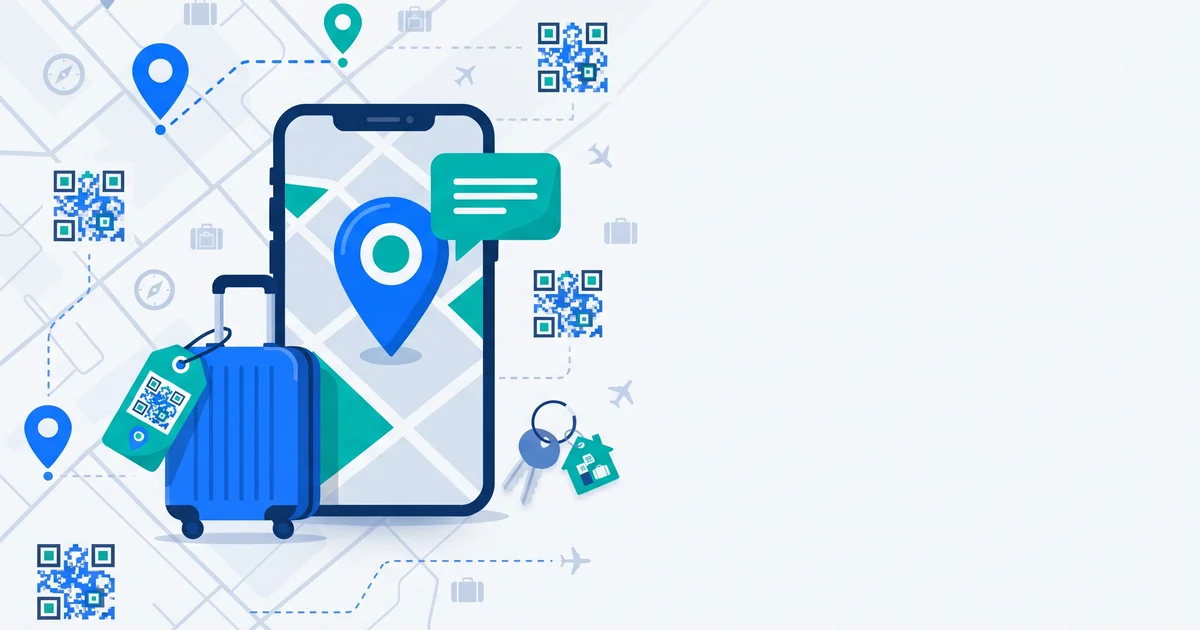
There’s an app for almost everything — including getting your lost stuff back. But “lost and found app” covers very different tools: trackers that locate your items, community boards where people post found things, and QR tag systems that let a finder contact you. Here’s how they differ and how to choose.
The short answer
There are three main types of lost and found apps: tracker apps (locate items with Bluetooth trackers), community apps (post and search lost and found items), and QR tag apps (label items so any finder can scan and contact you). The best choice depends on the item and the situation — and many people use a tracker plus a QR tag together. Look for privacy controls, no-app scanning for finders, and private messaging.
The three types
| Type | How it works | Best for | Limitation |
|---|---|---|---|
| Tracker apps | Bluetooth tags report location via nearby phones | Keys, bags, luggage | Finder can’t contact you; needs batteries and a network |
| Community apps / groups | People post lost and found items | Unlabelled items, pets | Relies on someone searching the right place |
| QR tag apps | Label items; finders scan to contact you | Anything a stranger might find | Needs a visible label |
Trackers are compared in AirTag vs Tile vs SmartTag, and the tracker-vs-tag question in QR tags vs AirTags.
What to look for
For the owner
- Privacy control: choose exactly what finders see.
- Multiple contact options: phone, email, messaging, private chat.
- Modes: different information when travelling or when something is lost.
- Alerts: know when your tag is scanned.
- Easy tag creation and printing.
For the finder
- No app or account needed to help.
- Clear instructions on the scan page.
- Private contact — no need to share their own number.
- Fast — they’re probably in a hurry.
The finder experience matters most: if helping is hard, fewer people will do it.
TagTrek turns any item into a smart QR tag. If it's lost, whoever finds it can reach you in seconds — no app, no account, no GPS tracking.


Privacy questions to ask
- Does the app show my phone number or address publicly?
- Can I hide details when travelling?
- Is there anonymous messaging?
- Does it track the finder’s location? (Ideally, no GPS tracking of finders.)
- How is scan data stored?
Which to use for what
| Item | Suggested setup |
|---|---|
| Luggage | Tracker inside + QR tag outside and inside |
| Keys | QR tag (+ tracker if you misplace them at home) |
| Wallet | QR tag in a card slot (+ card-shaped tracker) |
| Phone | Built-in Find My / Find Hub + QR sticker on case |
| Laptop | Built-in finding + QR sticker |
| Pet | Microchip + collar tag or QR pet tag |
| Kids’ bags and kit | QR tag with parent contact |
The bottom line
Lost and found apps come in three flavours — trackers, community boards and QR tag systems — and they solve different problems. Trackers locate; QR tags let finders contact you; community apps catch the rest. Choose based on your items, prioritising privacy and an easy, no-app experience for finders.
TagTrek is a QR tag lost and found app built around privacy: create tags for luggage, keys, wallets, pets and more; choose what finders see in Normal, Traveling and Lost modes; and let anyone scan with their phone camera — no app, no account — to reach you by phone, email, WhatsApp or anonymous chat. You get scan alerts with the city only, never GPS.
Frequently asked questions
What is a lost and found app?
An app that helps reunite people with lost items. Types include Bluetooth tracker apps that locate items, community apps where people post found items, and QR tag apps that let finders contact the owner.
Do finders need to download an app to return my item?
It depends on the system. Tracker networks don't involve the finder at all; community apps may require an account; good QR tag systems let finders scan with any phone camera without an app.
Which type of lost and found app is best?
It depends on the item. Trackers are good for locating things like keys and luggage; QR tag apps are good when a stranger finds your item; community apps help when nothing is labelled.
Are lost and found apps safe for privacy?
Look for apps that let you control what finders see, avoid displaying your address or phone number publicly, and offer private messaging.
Never lose your bag again
TagTrek turns any item into a smart QR tag. If it's lost, whoever finds it can reach you in seconds — no app, no account, no GPS tracking.