
Lost Your Camera? How to Get It Back (and the Simple Trick That Helps Finders)
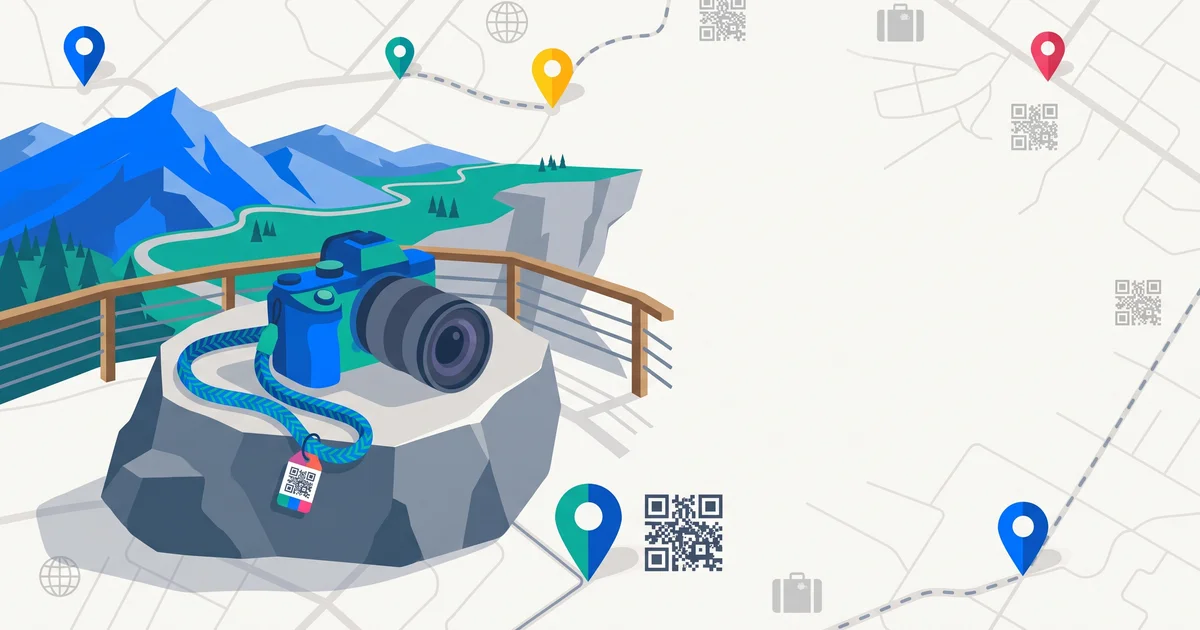
A lost camera isn’t just a lost device — it’s lost memories, often from once-in-a-lifetime trips. Cameras get left on benches at viewpoints, on tour buses, in cafés and on trains. Here’s what to do if you lose your camera, and a couple of simple tricks that make it much easier for an honest finder to get it back to you.
The short answer
If you lose your camera: retrace your steps and contact places you visited (tours, cafés, hotels, transport lost property), report it to police if stolen, and post in lost-and-found communities with a description and your serial number. To make it returnable: tag the strap or body with a contact method, and put a “If found, please contact…” photo at the start of your memory card.
Step 1: Retrace your steps
- Viewpoints, benches and landmarks where you took photos.
- Cafés and restaurants.
- Tour buses and boats — contact the operator.
- Taxis, trains and planes. Left something in an Uber or taxi? and left something on a train?.
- Your hotel. Left something at a hotel?.
Step 2: Report it
| Report to | Why |
|---|---|
| Venue / operator | Staff may already have it |
| Police | If stolen; needed for insurance |
| Travel insurer | For a claim |
| Online lost-and-found communities | People share photos from found cameras |
| Marketplaces (watch listings) | Stolen cameras sometimes appear for sale |
Include your serial number — keep a photo of it, or of the box, before you travel.
Step 3: Use connected features
Some cameras can connect to an app or cloud service. If yours uploads automatically, check the last photos uploaded — they can hint at where you lost it.
TagTrek turns any item into a smart QR tag. If it's lost, whoever finds it can reach you in seconds — no app, no account, no GPS tracking.


The simple trick: an “if found” photo
Take a photo of a card that says:
“If found, please contact [email or contact link]. Thank you!”
Make it the first photo on your memory card, and don’t delete it. Anyone who turns on the camera to find the owner will see it.
Tag the camera itself
- A contact tag on the strap — visible, easy.
- A small sticker on the body or under the screen.
- A tag on the camera bag.
Avoid showing your home address. A QR tag can let the finder contact you privately. QR code stickers for your belongings.
Protect your photos
- Back up regularly while travelling — to a laptop, phone or cloud.
- Use multiple memory cards so one loss doesn’t wipe out a whole trip.
- Swap cards when you back up.
Travel habits that prevent camera loss
- Keep the strap on — around your neck, wrist or across your body.
- Do a “camera check” every time you stand up.
- Don’t put it down on walls or benches at viewpoints.
- Keep it zipped away on crowded transport.
The bottom line
If you lose your camera, retrace your steps, contact venues and operators, report theft to police, and post in lost-and-found communities with the serial number. Before your next trip, add an “if found” photo to your memory card and a contact tag to the strap.
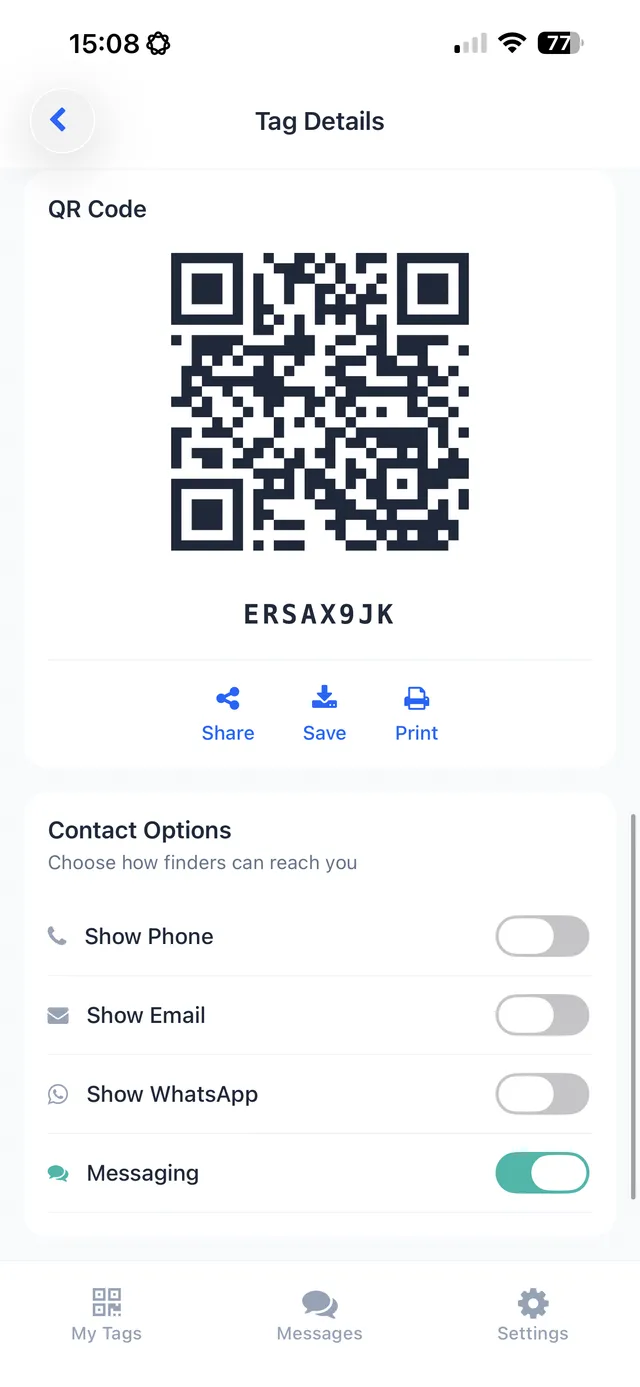
With TagTrek, a small QR tag on your camera strap or bag lets anyone who finds it scan with their phone — no app — and contact you through the options you choose. Add a photo of the camera to the tag so you can be sure it’s yours when someone gets in touch.
Frequently asked questions
What should I do if I lose my camera?
Retrace your steps, contact places you visited and transport lost property, report it to police if stolen, and post in local and online lost-and-found communities with a description and serial number.
How can someone return my camera if they find it?
Put contact details somewhere visible — on the strap or body — and take a photo of a 'if found, please contact' card as the first image on your memory card.
Should I record my camera's serial number?
Yes. It helps police, insurers and marketplaces identify your camera if it's recovered or listed for sale.
Are there communities that help return lost cameras?
Yes. There are online communities where people post photos from found cameras and memory cards to help identify the owners.
Never lose your bag again
TagTrek turns any item into a smart QR tag. If it's lost, whoever finds it can reach you in seconds — no app, no account, no GPS tracking.