
QR Code Stickers for Your Belongings: How They Work and What to Tag First
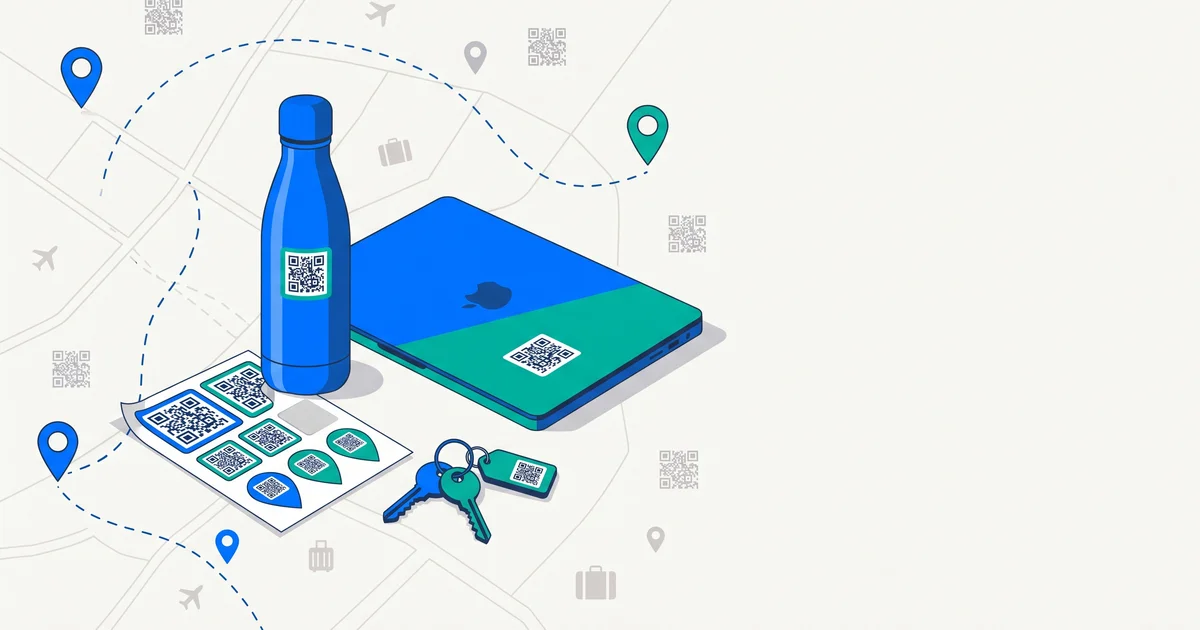
Name labels tell a finder whose item it is. They rarely tell them how to reach you. QR code stickers fill that gap: a finder scans the code with their phone and gets a direct way to contact you — often without seeing your personal details at all. Here’s how they work and what to tag first.
The short answer
A lost-and-found QR sticker links to a page about your item. A finder scans it with any phone camera — no app — and sees the contact options you choose (a call, message or private chat). Good systems let you update details anytime and keep your address and number private. Start with the things you carry out of the house: keys, wallet, phone, laptop, bags, luggage and pets.
QR stickers vs other options
| QR sticker | Name label | Engraving | Bluetooth tracker | |
|---|---|---|---|---|
| Finder can contact you | Yes | Only if contact is printed | Only if contact is engraved | No |
| Updatable | Yes | No | No | N/A |
| Privacy control | High (you choose what’s shown) | Low | Low | N/A |
| Locates the item | No | No | No | Yes |
| Needs batteries | No | No | No | Yes |
| Works on small/flat items | Yes | Yes | Varies | Often not |
Trackers and QR stickers complement each other. QR tags vs AirTags explains why.
How the process works
- Create a tag for an item and choose what a finder can see.
- Print or order the QR sticker and attach it somewhere visible.
- A finder scans it with their phone camera.
- They contact you using the options you’ve enabled.
- You arrange the return.
What to tag first
| Item | Where to put the sticker |
|---|---|
| Keys | On a keyring tag |
| Wallet | Inside a card slot or on the outside |
| Phone | Back of the case |
| Laptop | Lid or sleeve |
| Backpack | Inside flap and on a luggage-style tag |
| Luggage | Handle tag plus inside |
| Headphones / earbuds | Case |
| Water bottle | Near the base |
| Camera | Strap or body |
| Pet | Collar tag |
TagTrek turns any item into a smart QR tag. If it's lost, whoever finds it can reach you in seconds — no app, no account, no GPS tracking.


Privacy tips
- Don’t print your home address on anything that travels with your keys or bags.
- Choose a system where you control what finders see, and can change it anytime.
- Prefer private contact options such as anonymous chat, so neither you nor the finder has to share a phone number.
- Check the domain that opens when you scan — reputable services use a clear, consistent web address.
Making stickers last
- Use weatherproof or laminated stickers for bags and bottles.
- Place them where they won’t rub constantly.
- Check they still scan every few months.
- Add a short line like “Scan me to return” so finders know what to do.
When a QR sticker makes the biggest difference
- Busy public places — cafés, gyms, stations — where a stranger finds your item right away.
- Transport — taxis, trains, planes.
- Travel — hotels, airports, tours.
- School and kids’ items.
The bottom line
QR code stickers turn “whose is this?” into “here’s how to return it”. They’re cheap, need no batteries, work on almost anything and can protect your privacy better than name labels. Start with keys, wallet, phone, laptop, bags, luggage and your pet.
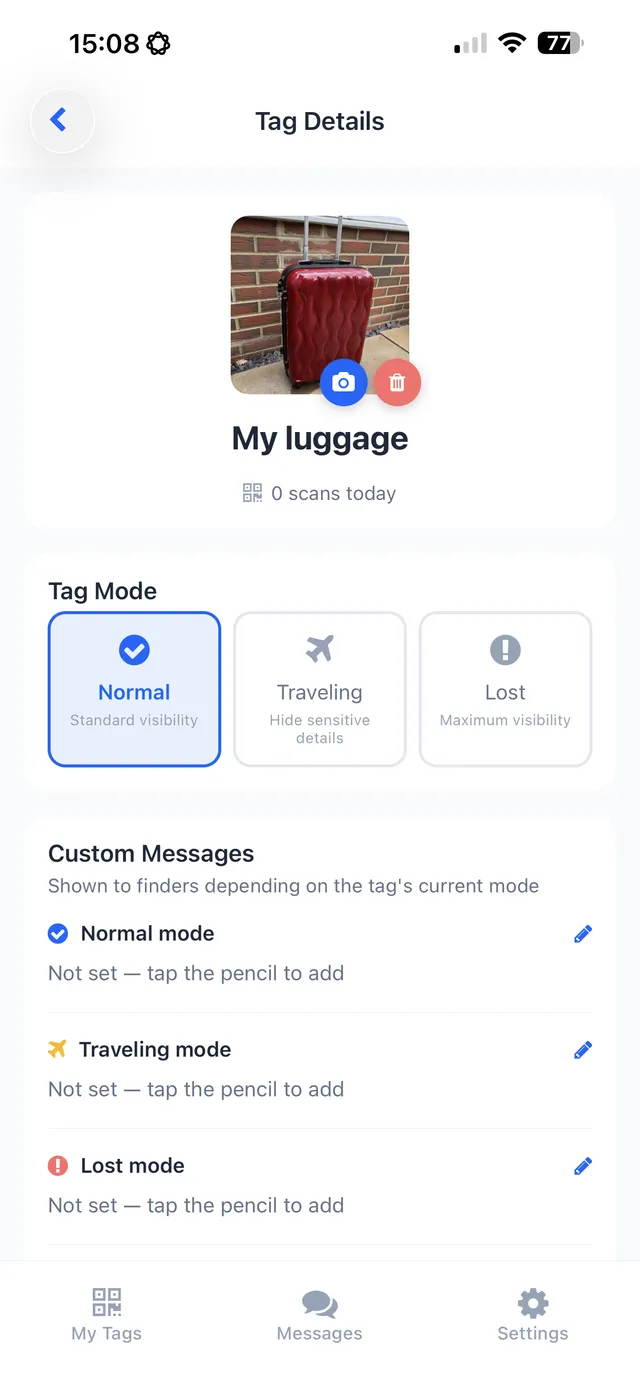
TagTrek was built for exactly this: create a tag for each item with a name, photo and “message if lost”, then save, share or print its QR — with the free Classic template or Pro designs. Finders scan without an app and contact you by phone, email, WhatsApp or anonymous chat, depending on what you allow in Normal, Traveling or Lost mode.
Frequently asked questions
How do lost-and-found QR code stickers work?
Each sticker links to a page about the item. Anyone who finds it scans the code with their phone camera and sees the contact options you've chosen, so they can reach you.
Do finders need an app to scan a QR sticker?
Usually not. Modern phone cameras can scan QR codes directly and open the linked page in a browser.
Is it safe to put a QR code on my belongings?
It can be very safe if the system lets you control what's shown and keeps your personal details private, rather than printing your address or phone number openly.
What should I tag with QR stickers first?
The items you carry out of the house and would hate to lose: keys, wallet, phone case, laptop, backpack, luggage and your pet's collar.
Never lose your bag again
TagTrek turns any item into a smart QR tag. If it's lost, whoever finds it can reach you in seconds — no app, no account, no GPS tracking.