
Lost Your Earbuds? How to Find AirPods, Galaxy Buds and Other Wireless Earbuds
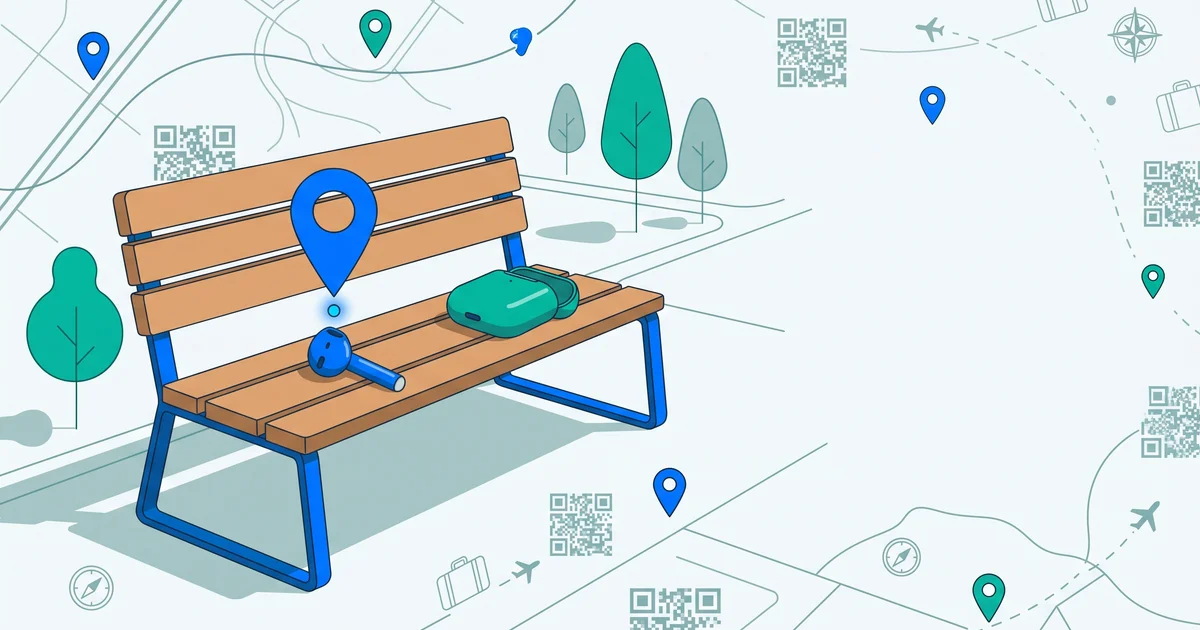
Wireless earbuds are small, expensive and incredibly easy to lose — one falls out on a run, the case slips out of a pocket on the bus, or they vanish somewhere in the house. Here’s how to find lost earbuds, whether you use AirPods, Galaxy Buds or another brand, and what to do if they’re gone for good.
The short answer
To find lost earbuds: use the tracking app for your brand — Find My for AirPods, SmartThings Find for Galaxy Buds, Find Hub or the manufacturer’s app for others — to see the last known location and play a sound. Check the usual spots (sofa, bags, car, gym). If one earbud or the case is truly lost, most manufacturers can replace a single earbud or case. Put a contact tag on the case so finders can reach you.
Step 1: Use your earbuds’ finding app
| Earbuds | App | What it can do (depends on model) |
|---|---|---|
| AirPods | Find My (iPhone, iPad, Mac, icloud.com/find) | Last known location, play a sound, precision finding, separation alerts |
| Samsung Galaxy Buds | SmartThings Find | Last known location, ring the earbuds |
| Other Android earbuds | Google Find Hub or the manufacturer’s app | Varies by model |
Playing a sound works best when the earbuds are out of the case and within Bluetooth range.
Step 2: Check the usual spots
- Sofa cushions and under furniture
- Coat pockets, bags, gym bags
- Car seats and door pockets
- Bedsheets and pillowcases (earbuds fall out while sleeping)
- Washing machine (check pockets before washing!)
- The gym, the bus, the office
Step 3: Retrace your steps
Think about when you last used them. Call the gym, café or office. Check transport lost property. Left something on a train?
TagTrek turns any item into a smart QR tag. If it's lost, whoever finds it can reach you in seconds — no app, no account, no GPS tracking.


Lost one earbud vs the case
| Lost | What to do |
|---|---|
| One earbud | Play a sound for that earbud (where supported); check where you last wore them |
| Both earbuds (not in case) | Use last known location and play a sound |
| Case only | The case may show location on some newer models; otherwise retrace steps |
| Earbuds in case | Location may update only when the case is opened near a phone (varies) |
Replacing a single earbud or case
Many manufacturers sell replacement single earbuds or charging cases, usually for a fee. Check the manufacturer’s support pages or your retailer, and have your serial number ready.
Preventing lost earbuds
- Turn on separation alerts where available, so your phone warns you if you leave them behind.
- Use ear tips that fit well for sports.
- Always put them back in the case, and the case back in the same pocket.
- Do a “phone, wallet, keys, earbuds” check when leaving places.
- Label the case — it’s the part most likely to be found by someone else.
Make the case returnable
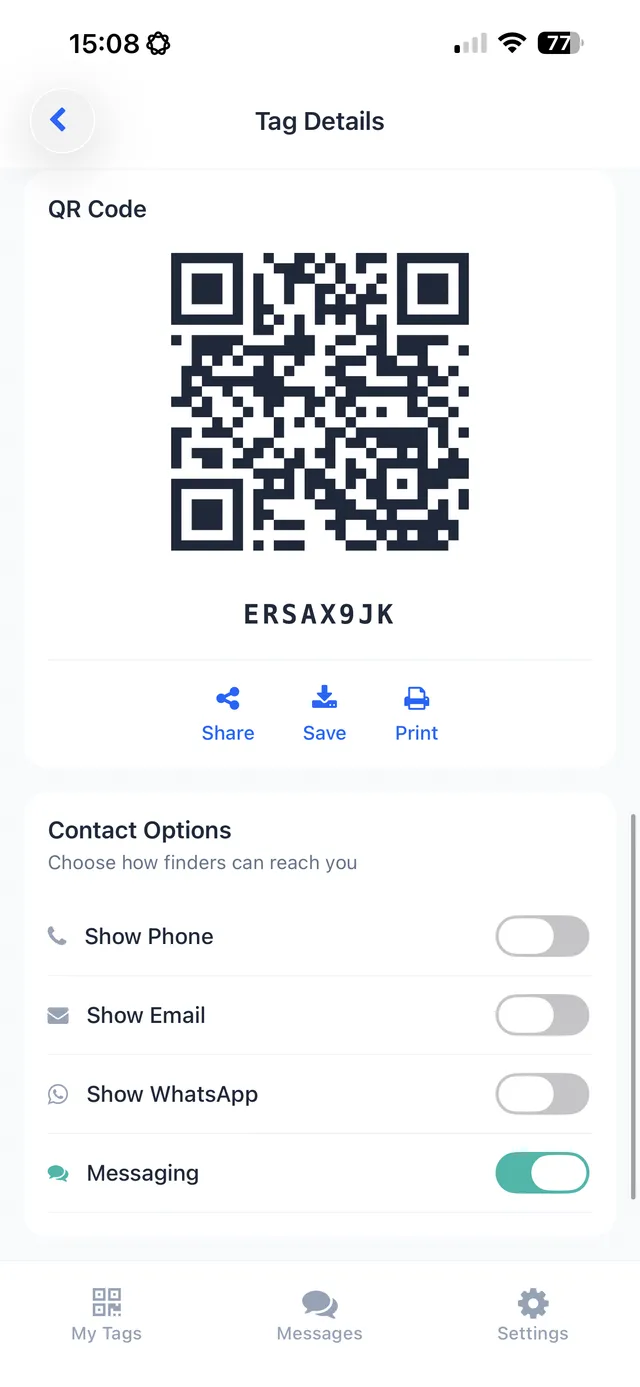
Earbud cases are often handed in to gyms, cafés and transport lost property with no way of identifying the owner. A small contact sticker or QR tag on the case gives a finder a direct way to reach you. QR code stickers for your belongings.
The bottom line
If you lose your earbuds, use your brand’s finding app to see the last known location and play a sound, check the usual spots and retrace your steps. If one earbud or the case is gone, replacements are usually available. And label the case so an honest finder can return it.
A small TagTrek QR sticker on your earbuds case means anyone who finds it at the gym, on the bus or in a café can scan it with their phone — no app — and contact you through the options you choose.
Frequently asked questions
How do I find lost AirPods?
Open Find My on your iPhone or at icloud.com/find, select your AirPods, and play a sound or view their last known location. Supported models can also use precision finding and separation alerts.
How do I find lost Galaxy Buds or Android earbuds?
Samsung Galaxy Buds can be located with SmartThings Find. Some other earbuds work with Google's Find Hub or the manufacturer's app. Check your earbuds' companion app.
Can I replace just one lost earbud?
Often yes. Many manufacturers sell or replace single earbuds or charging cases, usually for a fee. Check with the manufacturer or retailer.
How can someone return my earbuds case if they find it?
A small contact sticker or QR tag on the case lets an honest finder reach you. Earbuds themselves are too small to label easily.
Never lose your bag again
TagTrek turns any item into a smart QR tag. If it's lost, whoever finds it can reach you in seconds — no app, no account, no GPS tracking.