
QR Code Luggage Tags: How They Work, What Finders See and How to Set One Up
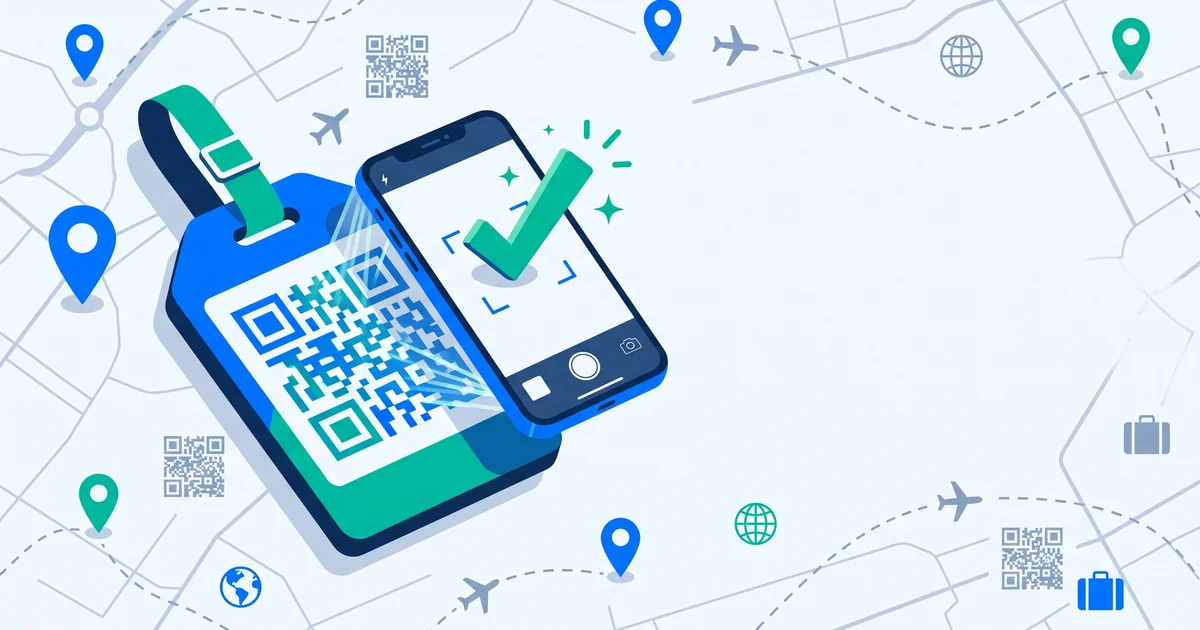
Traditional luggage tags ask you to choose between being findable and being private: write your address and phone number for all to see, or leave the tag half empty. A QR code luggage tag removes that trade-off. Whoever finds your bag scans the code and gets a way to reach you — while your personal details stay hidden.
The short answer
A QR code luggage tag links to a profile for your bag. Anyone who finds it — airline staff, a hotel porter, another traveller — scans it with their phone camera (no app needed with good systems) and sees only what you choose: a message, the bag’s description and contact options such as a call, message or private chat. You can update it anytime, and switch to a “lost” setting to show more when the bag is missing.
Traditional tag vs QR tag
| Traditional tag | QR luggage tag | |
|---|---|---|
| What’s visible | Name, address, phone — to anyone | A QR code and a “scan to return” message |
| Privacy | Low | High (you choose what’s shown) |
| Update details | Rewrite or replace | Edit online, instantly |
| Contact options | Whatever you wrote | Call, message, email, private chat |
| Works abroad | If your number works | Yes, via the web |
What to put on a luggage tag explains why printing your home address is a bad idea.
What a finder sees
When someone scans a well-designed QR luggage tag, they typically see:
- A clear message — “This bag is lost. Please help return it.”
- Item details — name, description, maybe a photo.
- Contact options — the ones you’ve enabled.
- No personal data you haven’t chosen to share.
Good systems also protect the page from bots and spam.
Different modes for different situations
| Situation | What finders should see |
|---|---|
| At home / everyday | Basic info and a contact option |
| Travelling | Minimal personal info; perhaps a temporary address like your hotel |
| Lost | Maximum visibility: urgent message, more contact options |
TagTrek turns any item into a smart QR tag. If it's lost, whoever finds it can reach you in seconds — no app, no account, no GPS tracking.


How to set up and attach a QR luggage tag
- Create the tag and add a description and photo of the bag.
- Choose contact options and what finders see.
- Print it — on durable material or laminated.
- Attach it securely to the handle with a strong loop; avoid zip pulls.
- Add a second tag inside the bag in case the outer one is torn off.
- Test it by scanning with your phone.
QR tag + tracker: the best combination
A QR tag lets someone contact you; a tracker shows where the bag is. Together they cover both problems. QR tags vs AirTags and how to share an AirTag location with an airline.
Common questions
- Will it work in other countries? Yes — scanning opens a web page that works anywhere with mobile data or Wi-Fi.
- What if the tag gets wet? Choose waterproof or laminated tags.
- What if the finder doesn’t know what a QR code is? A short line like “Scan me to return” helps.
The bottom line
QR code luggage tags make your bag easy to return without exposing your personal details. Finders scan with any phone, see only what you choose and can contact you instantly. Attach one to the handle and one inside, and pair it with a tracker for full coverage.
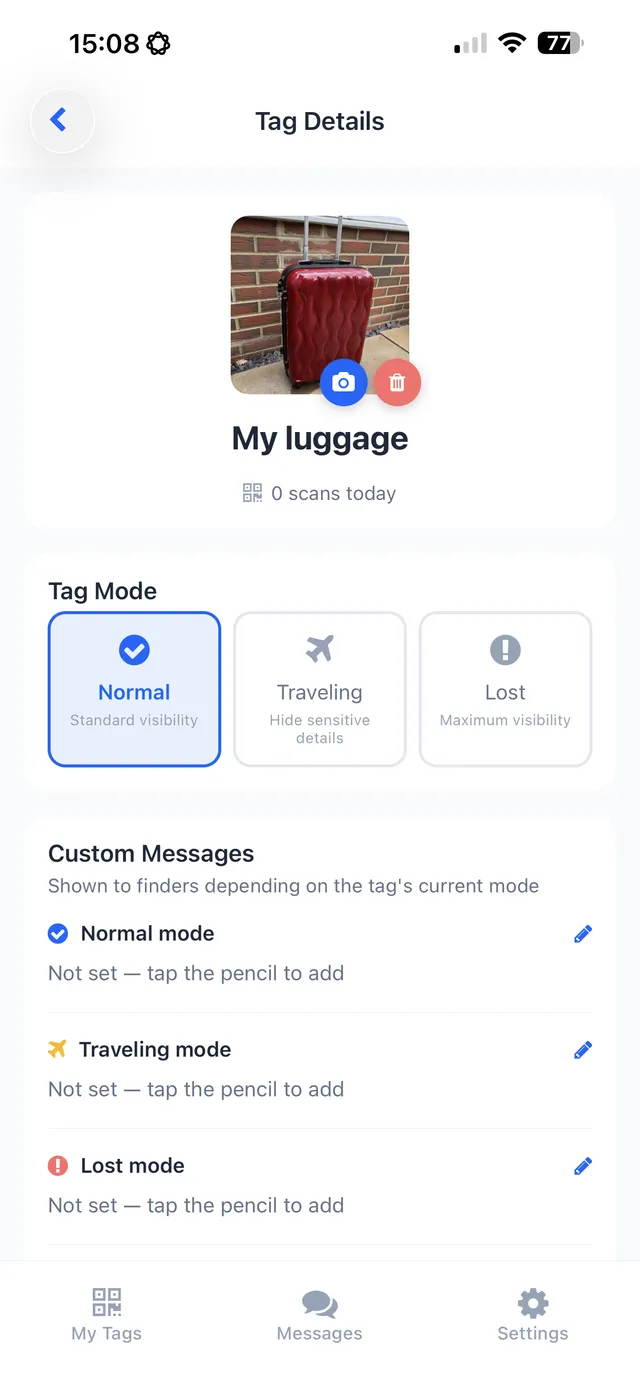
That’s exactly how TagTrek works: create a tag for your suitcase, choose what finders see in Normal, Traveling and Lost modes, and print it with the free Classic template or a Pro design like Boarding Pass or Wanderlust. Printed tags say “SCAN ME TO RETURN”, finders need no app, and you get a scan alert with the city — never GPS.
Frequently asked questions
How does a QR code luggage tag work?
The tag has a QR code linked to a profile for your bag. Anyone who finds it scans the code with their phone camera and sees the information and contact options you've chosen.
Is a QR luggage tag safer than a normal tag?
It can be. A traditional tag shows your name, address and phone to anyone who looks. A QR tag can keep those private and offer a contact method instead.
Do airline staff scan QR luggage tags?
Staff handling a mishandled or unidentified bag look for any owner information. A visible QR code with a clear 'scan to return' message gives them a quick way to reach you.
Does a QR luggage tag track my bag?
No, a QR tag doesn't track location on its own. It lets whoever finds the bag contact you. For location, pair it with a Bluetooth tracker.
Never lose your bag again
TagTrek turns any item into a smart QR tag. If it's lost, whoever finds it can reach you in seconds — no app, no account, no GPS tracking.