
Found a Lost Phone? How to Return It to Its Owner (Even If It's Locked)
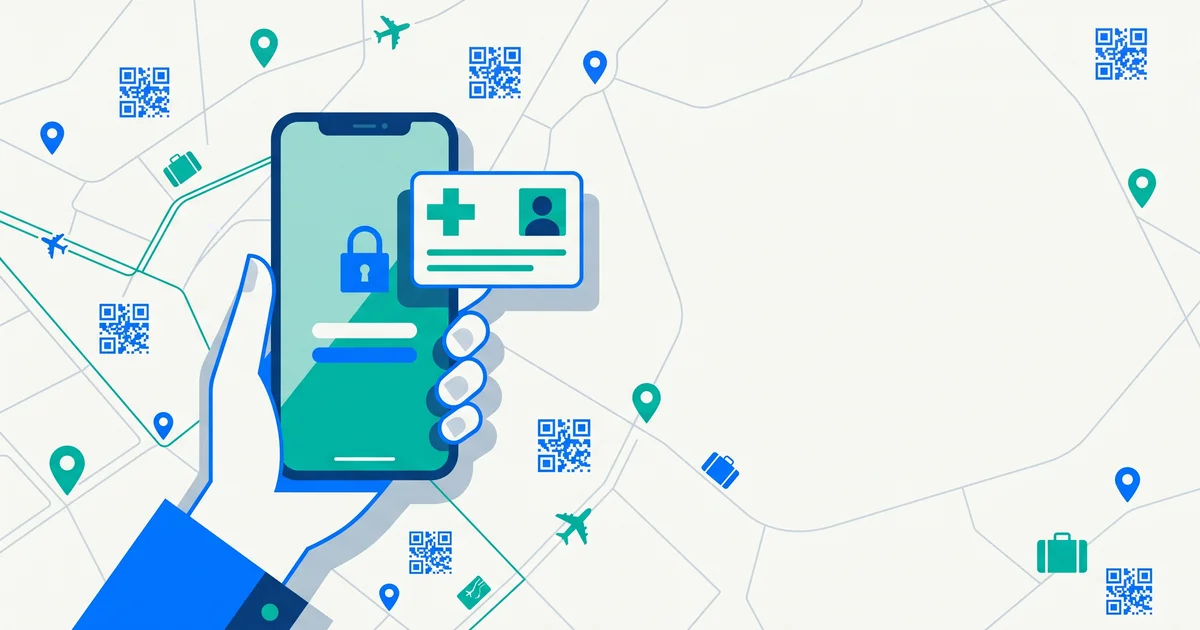
You find a phone on a bench, on a bus or in a café. It’s locked. Its owner is probably retracing their steps right now, panicking. Most people want to help but aren’t sure how, without unlocking it. Here’s how to return a found phone to its owner.
The short answer
If you find a phone: check the lock screen for a lost-mode message or contact number, look for emergency contacts or a medical ID, answer if it rings (it may be the owner), look for a QR contact sticker on the case, and if none of that works, hand it to the venue or police. Don’t try to unlock it or remove the SIM.
Step 1: Check the lock screen
If the owner has already put the phone in lost mode, the lock screen may show a message and a contact number. Call that number from your own phone.
Step 2: Look for emergency information
| Phone | Where to look |
|---|---|
| iPhone | On the lock screen, tap “Emergency” and look for Medical ID (if enabled) |
| Android | On the lock screen, look for Emergency information or an emergency call option showing contacts (varies by manufacturer) |
Only use emergency contacts to return the phone — not to call emergency services unless there’s an emergency.
Step 3: Answer incoming calls
Owners often call their own phone from a friend’s device. If it rings, answer and arrange a handover. Messages may also appear on the lock screen.
Step 4: Check the case
Many people keep a business card, a contact sticker or a QR tag on or inside the case. Scanning a QR tag with your own phone may connect you directly with the owner.
TagTrek turns any item into a smart QR tag. If it's lost, whoever finds it can reach you in seconds — no app, no account, no GPS tracking.


Step 5: Keep it safe and charged
- Keep the phone somewhere safe.
- Charge it if possible so the owner can locate it and call it.
- Don’t switch it off — the owner may be using location services to find it.
Step 6: Hand it in if you can’t reach the owner
- The venue where you found it (shop, café, gym, hotel).
- Transport lost property (train, bus, airport).
- Police, if there’s no obvious venue.
Ask for a reference number.
If you arrange a handover
- Meet in a public place.
- Ask them to prove it’s theirs — for example, by unlocking it or describing the lock screen.
- Or hand it to the venue and let the owner collect it there.
What not to do
- Don’t try to guess the passcode.
- Don’t remove the SIM or reset the phone.
- Don’t post photos of the lock screen publicly if it shows personal information.
- Don’t keep it “for a while” — owners often block and erase phones they believe are lost.
Make your own phone easy to return
- Set up an emergency contact / Medical ID visible from the lock screen.
- Turn on Find My (iPhone) or Find Hub (Android).
- Add a QR contact tag to your case so a finder can reach you — even if your battery is dead.
If you’ve lost your own phone, here’s what to do right now. And for wallets, see how to return a found wallet.

The bottom line
To return a found phone, check the lock screen, look for a medical ID or emergency contact, answer if it rings, look for a contact tag on the case — and hand it to the venue or police if you can’t reach the owner. Keep it charged and don’t try to unlock it.
If the phone has a TagTrek QR sticker, it’s even simpler: scan it with your own phone camera, pass a quick check, and message the owner through anonymous chat or the other contact options they’ve chosen — no app, no account and no need to share your number.
Frequently asked questions
How do I return a found phone if it's locked?
Check the lock screen for a lost-mode message or contact number, look for an emergency contact or medical ID, answer if the owner calls, or hand it to the venue or police.
Can I see emergency contacts on a locked phone?
Often yes. On iPhone, the Medical ID can be viewed from the emergency screen if the owner enabled it. Many Android phones also show emergency information from the lock screen.
Should I keep a found phone charged?
If you can, yes. A charged phone can receive the owner's calls and lost-mode messages, and lets them locate it.
Where should I hand in a found phone?
To the venue where you found it, the transport operator's lost property, or the local police. Ask for a reference.
Never lose your bag again
TagTrek turns any item into a smart QR tag. If it's lost, whoever finds it can reach you in seconds — no app, no account, no GPS tracking.