
Beyond Luggage: How to Never Lose Your Keys, Backpack, or Wallet Again
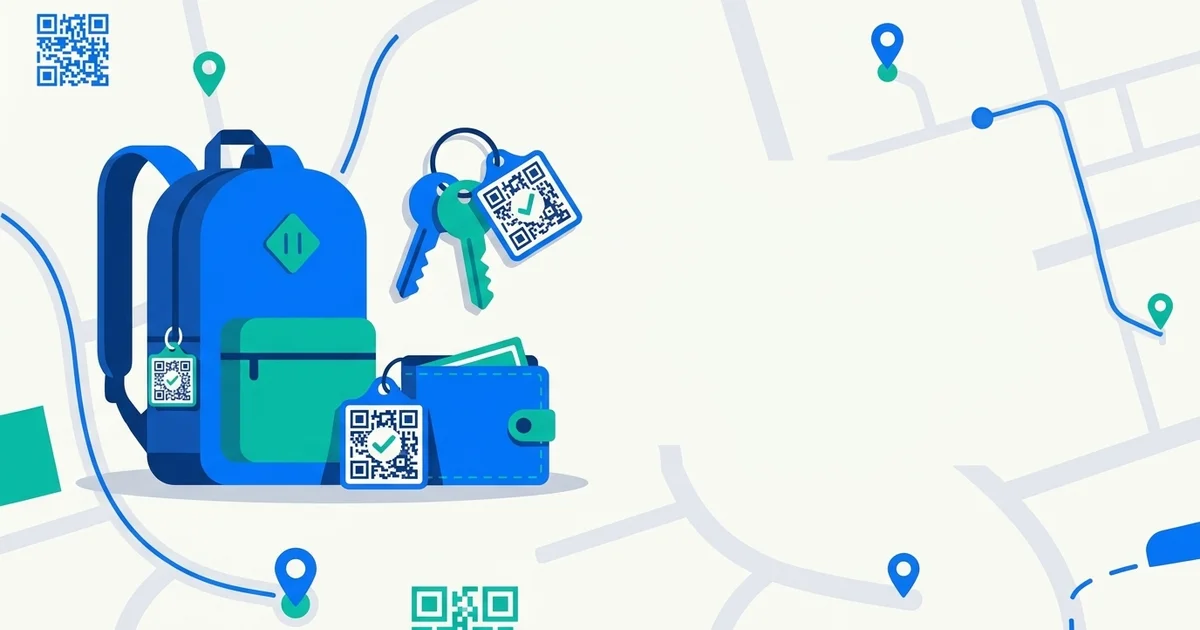
Search “never lose your bag again” and every result is about airports. But most lost-item moments never involve a flight at all — it’s the keys that slid under the couch cushion, the backpack left at a coffee shop, the wallet that fell out of a jacket pocket on the train. These are the losses that actually happen weekly, not the once-a-year airline mishap.
The same QR-tag idea that works for luggage works even better here — because these items get lost in places where GPS trackers quietly fall apart.
Why keys and everyday items are actually the hardest to track
A GPS or Bluetooth tracker (think AirTag-style devices) needs range and a network of nearby phones to report a location, and it needs enough physical space to fit the tracker itself. That’s a reasonable trade-off for a suitcase. It’s a much worse fit for:
- Keys — too small for most trackers to attach to discreetly, and easy to lose somewhere with poor Bluetooth mesh coverage (inside a building, a car, a drawer).
- A backpack or gym bag — usually lost somewhere crowded (a café, a gym, a bus) where the person who actually finds it is a stranger standing right next to it, not a phone pinging from 40 feet away.
- A wallet — the highest-value item to lose and the one you most want an honest finder to be able to act on immediately, not wait for a network ping. A visible QR tag vs. a silent tracker makes the difference here: a stranger who picks up your wallet can act in the moment, without downloading anything.
A GPS tracker tells you where the item probably is. A QR tag lets the person standing next to it return it to you, right then — which is the outcome you actually want in the 90% of cases where the finder is an honest bystander, not a thief.
TagTrek turns any item into a smart QR tag. If it's lost, whoever finds it can reach you in seconds — no app, no account, no GPS tracking.


What actually gets lost, and where
- Keys — under furniture, in a coat left somewhere, handed to a host at a party and forgotten.
- Backpacks — coffee shops, libraries, the overhead bin of a bus, a rideshare back seat.
- Wallets — restaurant tables, gym lockers, taxi seats.
- Gym bags — left in a locker room, a car park, a group class studio.
None of these are “lost in transit” scenarios — they’re “lost somewhere someone else will walk right past them” scenarios. That’s exactly the situation a scannable tag is built for.
How a QR tag handles this better than a tracker
The mechanics are the same ones that work for luggage, just applied closer to home:
- Tag it once. Attach a small QR sticker to your keychain, the inside flap of your backpack, or your wallet’s card slot.
- A finder scans, no app needed. Any phone camera reads the code — the person who found your keys at the gym doesn’t need to install anything to help you.
- You control what they see. Same privacy model as what to put on a luggage tag — no address, no exposed phone number by default. They reach you through a private channel, and you decide what’s shared.
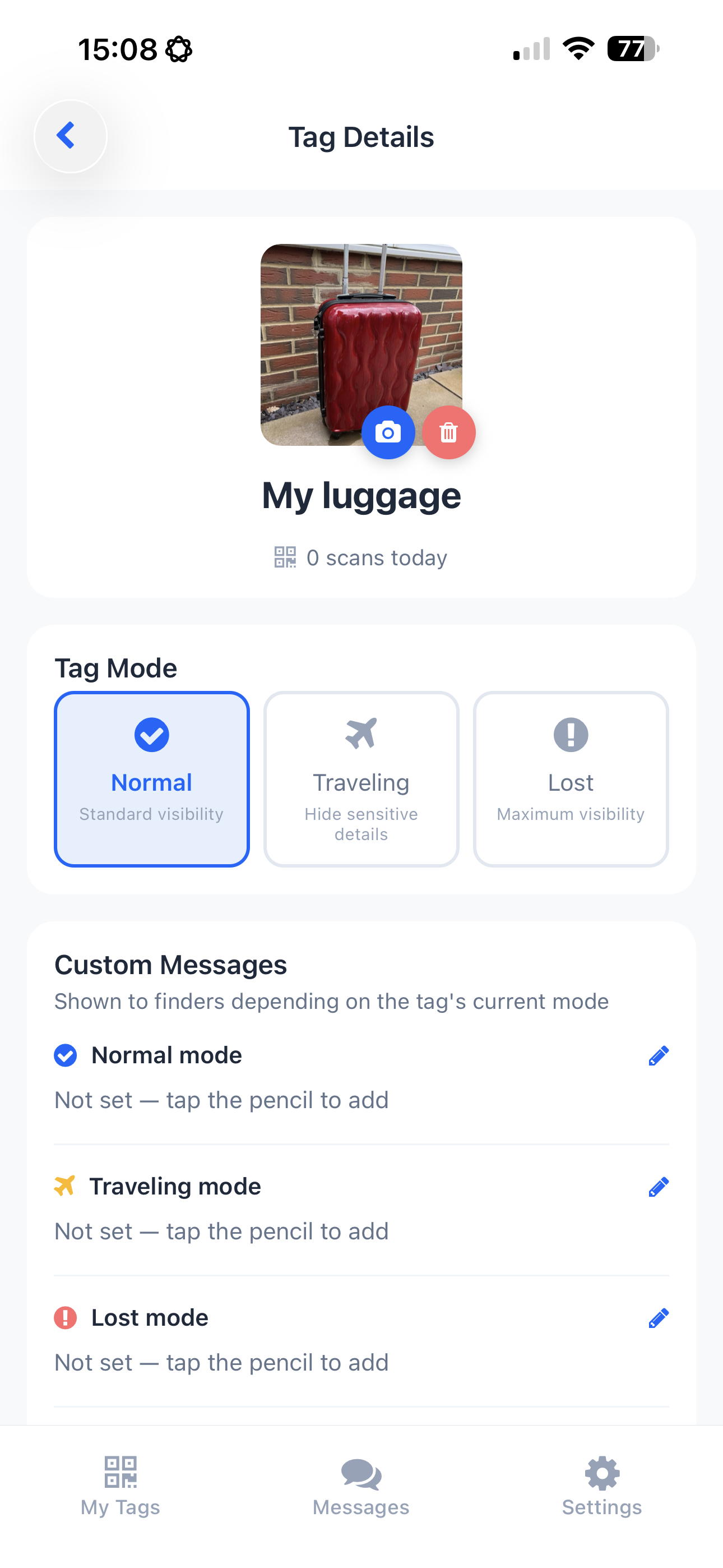
- Switch modes per item. Mark an item Lost the moment you notice it’s missing, so a scan gets prioritized attention — same as the workflow that helps with the first 24 hours of a missing bag, just for the stuff you misplace far more often.
Making it a habit, not a one-time fix
The items worth tagging are the ones you’d genuinely be upset to lose and the ones you actually take out of the house: keys, a daily backpack, a wallet, a gym bag, a laptop sleeve. Tag those four or five things once and you’ve covered the losses that actually happen — not the hypothetical airline-baggage scenario, but the Tuesday-afternoon “wait, where are my keys” scenario.
The takeaway
QR tags aren’t a travel-only tool — they’re arguably more useful on the small, everyday items that get separated from you in ordinary places, because those are exactly the situations where a stranger can help immediately if you make it easy for them. Tag your keys the same way you’d tag a suitcase, and the next time something goes missing at the gym or the coffee shop, getting it back is a scan away instead of a Bluetooth guessing game.
That’s the whole premise behind TagTrek: one QR tag design that works identically whether it’s on a suitcase at the airport or a keychain on your kitchen counter.
Frequently asked questions
Can I use a QR tag for my keys, not just luggage?
Yes. A QR tag works on anything you can stick a small label to — keys, a backpack, a wallet, a laptop bag, a gym bag. It has no size or shape requirement the way a GPS tracker does.
What's the difference between a QR tag and a Bluetooth tracker for everyday items?
A QR tag is scanned by whoever finds the item — no app needed on their end, and it works the moment it's found, indoors or out. A Bluetooth tracker relies on range and a network of nearby devices, which struggles with objects that get separated from you at home, work, or transit rather than lost in transit.
What happens when someone finds my keys with a QR tag on them?
They scan the code with any phone camera, no app required, and see a way to reach you — a call, message, or chat, depending on what you've enabled. You're never shown their exact location, and they never see your personal details unless you choose to share them.
Do I need a different tag for each item?
You can generate a unique QR code per item in the TagTrek app, each with its own name and status, so you always know which one was scanned and where.
Never lose your bag again
TagTrek turns any item into a smart QR tag. If it's lost, whoever finds it can reach you in seconds — no app, no account, no GPS tracking.