
Loss Prevention 101: How to Actually Get a Lost Item Returned
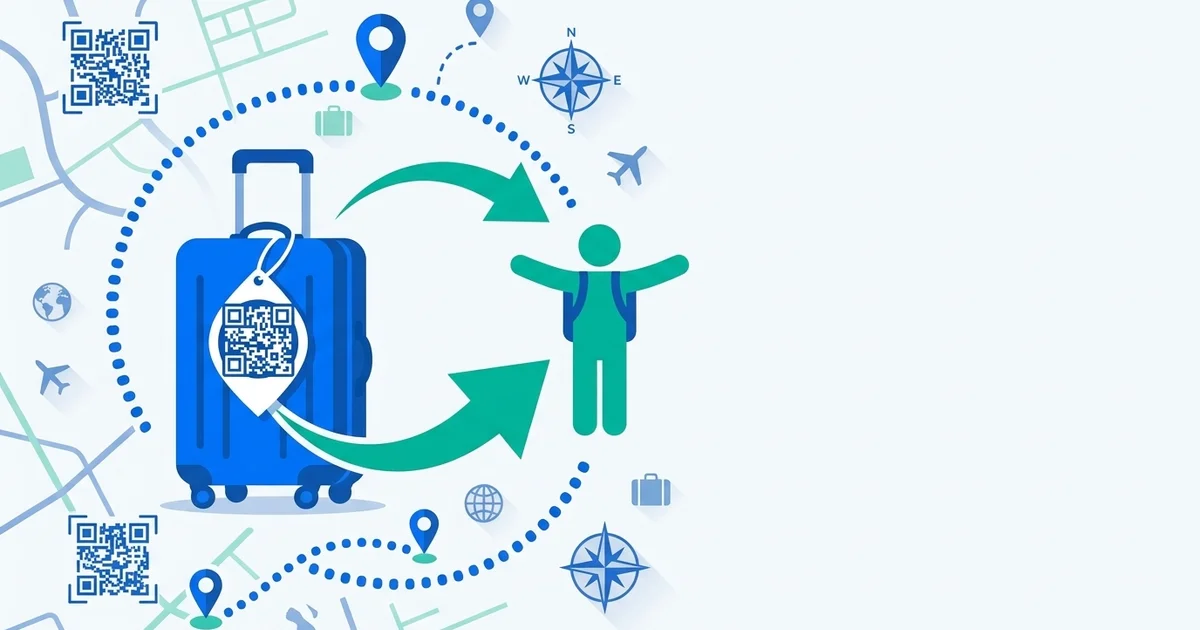
Search “loss prevention” and you’ll get a pile of advice about not losing things: label your bags, don’t leave your laptop on the train, keep your keys on a hook by the door. All useful — and all only half the problem. The other half, the one most guides skip, is what happens after something goes missing anyway. Because eventually, for almost everyone, it does.
Here’s the part of loss prevention that actually determines whether you get your stuff back.
The two halves of loss prevention
Prevention is reducing the odds something goes missing: visible tags, secure zippers, a habit of checking your seat before you stand up. Worth doing, and covered well elsewhere — see our 9 traveler-tested tips for the luggage-specific version.
Recovery is different. It’s the answer to: when your bag, backpack, or laptop bag ends up in a stranger’s hands, how easily can that stranger get it back to you? Most people have a good prevention plan and no recovery plan — which is why so many honestly-found items never make it home. The finder wants to help, but has no easy way to.
TagTrek turns any item into a smart QR tag. If it's lost, whoever finds it can reach you in seconds — no app, no account, no GPS tracking.


Why most lost-and-found attempts fail
Picture the average lost item today: a name scrawled on a paper tag, maybe a phone number if you’re lucky. For a finder, that means either calling a number that might be years out of date, or handing the item to an airline, a venue, or a lost-and-found desk and hoping it eventually connects to you — a process that can take days if it works at all (see how airport lost and found actually works).
That’s a lot of friction for someone who was just trying to do the right thing. And friction kills good intentions — most honest finders will make one attempt to return something, and give up if it doesn’t work immediately.
Switch to Lost Mode the moment you notice
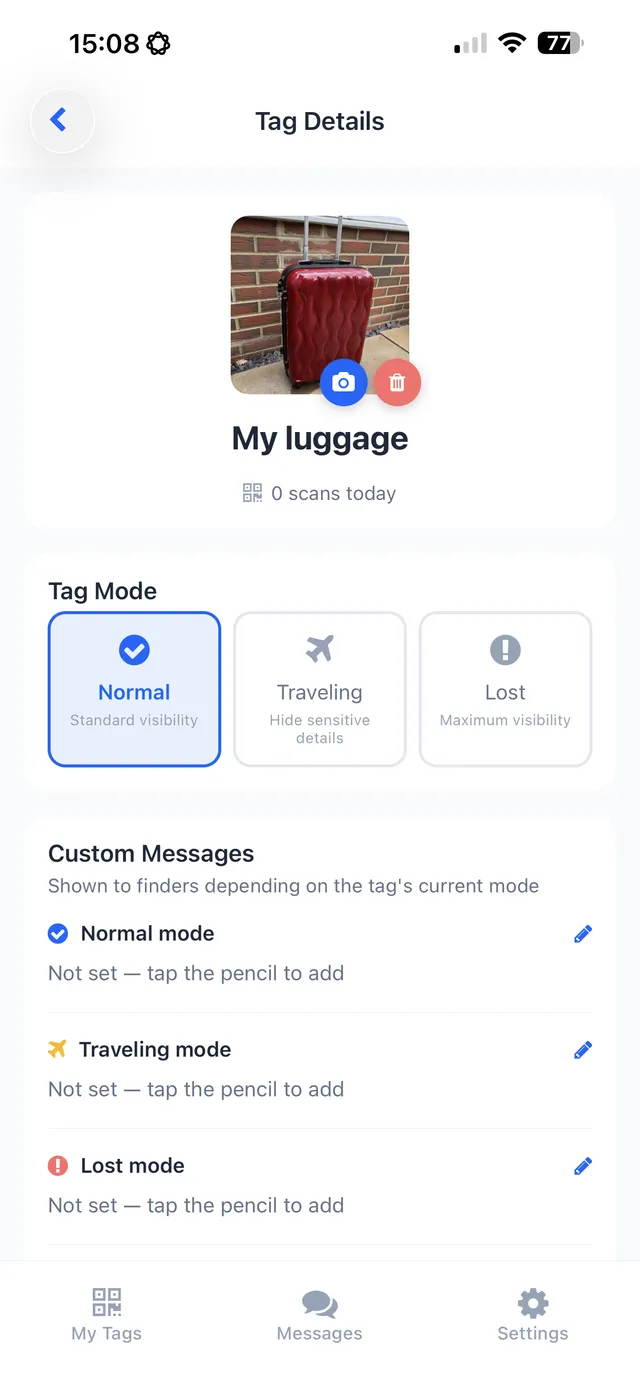
This is the piece a static paper tag can’t do. TagTrek tags have three modes: Normal for everyday use, Traveling for trips, and Lost — which you switch on the instant you realize something’s missing. Lost Mode changes what a finder sees the moment they scan, making it immediately clear the item needs to get back to you and prioritizing a fast message.
Location stays privacy-first throughout: there’s no GPS tracking you, and you manually set a city-level location rather than exposing exactly where you are.
Make it easy for an honest finder to say yes
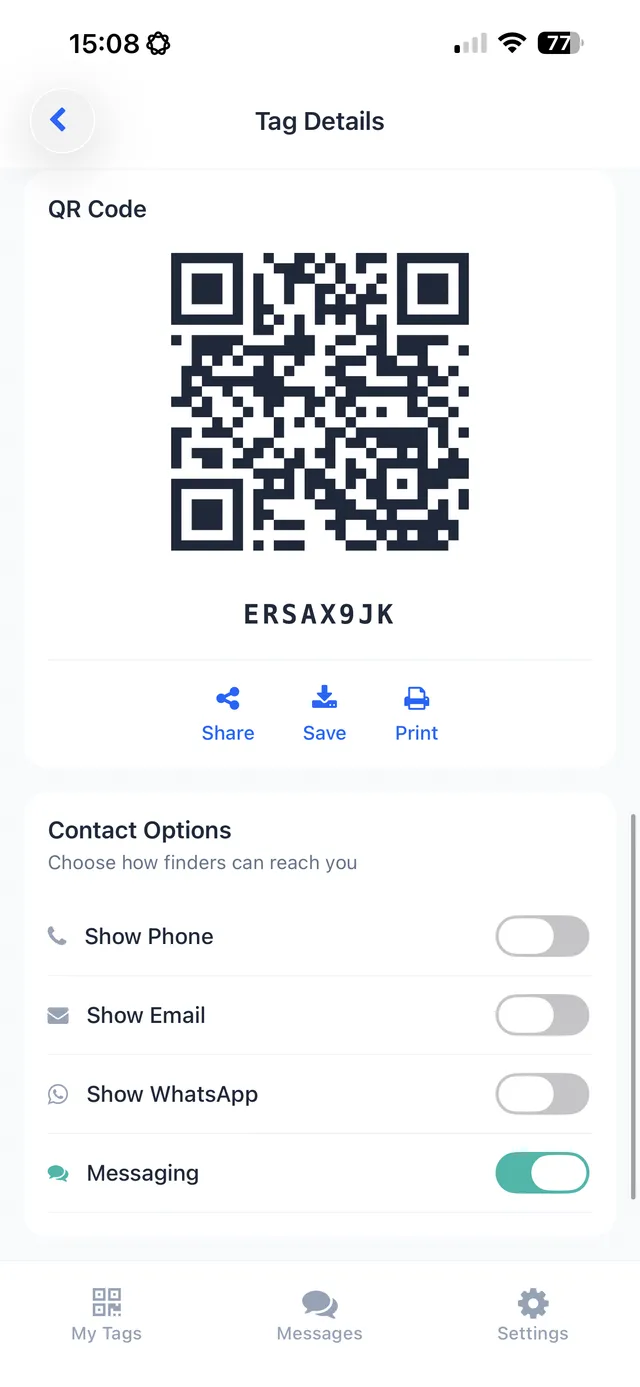
Most people who find a lost item want to return it — the barrier is almost always effort, not intent. TagTrek removes as much of that effort as possible: the finder scans a QR code with their phone camera, no app or account required on their end, and can message you through an anonymous channel that never reveals your phone number, email, or home address.
That anonymity matters for you too — see what to actually put on a luggage tag if you want the full case against writing your home address on a paper tag.
A loss-prevention checklist that covers both halves
- Tag everything that matters — not just your suitcase. Backpacks, laptop bags, camera cases, keys.
- Use a QR tag, not paper. It survives being soaked, torn, or faded, and gives a finder an actual way to reach you.
- Flip to Lost Mode the second you notice something’s missing — don’t wait until you’ve searched everywhere first.
- Keep your contact channel current. A tag only works if messages actually reach you.
- Know your next steps if it doesn’t turn up fast — see the first 24 hours after lost luggage for the playbook.
The takeaway
Not losing things is half of loss prevention. The other half — making sure a stranger who finds your stuff can actually get it back to you, fast and without friction — is the part that decides whether “lost” becomes “returned” or becomes gone for good. That’s the half TagTrek is built around: scan, message, reunite, without either side giving up personal information.
Frequently asked questions
What is loss prevention, really?
It's two separate problems people usually treat as one. Prevention is reducing the odds something goes missing in the first place — good habits, visibility, secure storage. Recovery is making sure that if it does go missing, it actually gets back to you. Most advice only covers the first half.
What's the fastest way to get a lost item returned?
Make it effortless for whoever finds it. A QR tag like TagTrek lets a finder scan with their phone camera — no app, no account — and immediately see how to reach you through a private, anonymous channel.
How does TagTrek's Lost Mode work?
TagTrek has three modes — Normal, Traveling, and Lost. Switching an item to Lost Mode changes what a finder sees when they scan, making it clear the item is actively missing and prioritizing getting a message to you fast.
Is it safe to put a QR tag on my luggage or keys?
Yes — that's the point of using a QR tag over a paper one. TagTrek never shows your phone number, email, or home address to the finder, and there's no GPS tracking of your location. You control what's visible, and messages come through an anonymous channel.
Never lose your bag again
TagTrek turns any item into a smart QR tag. If it's lost, whoever finds it can reach you in seconds — no app, no account, no GPS tracking.