
Luggage Tracking Devices Compared: Which Option Actually Helps You Get a Bag Back
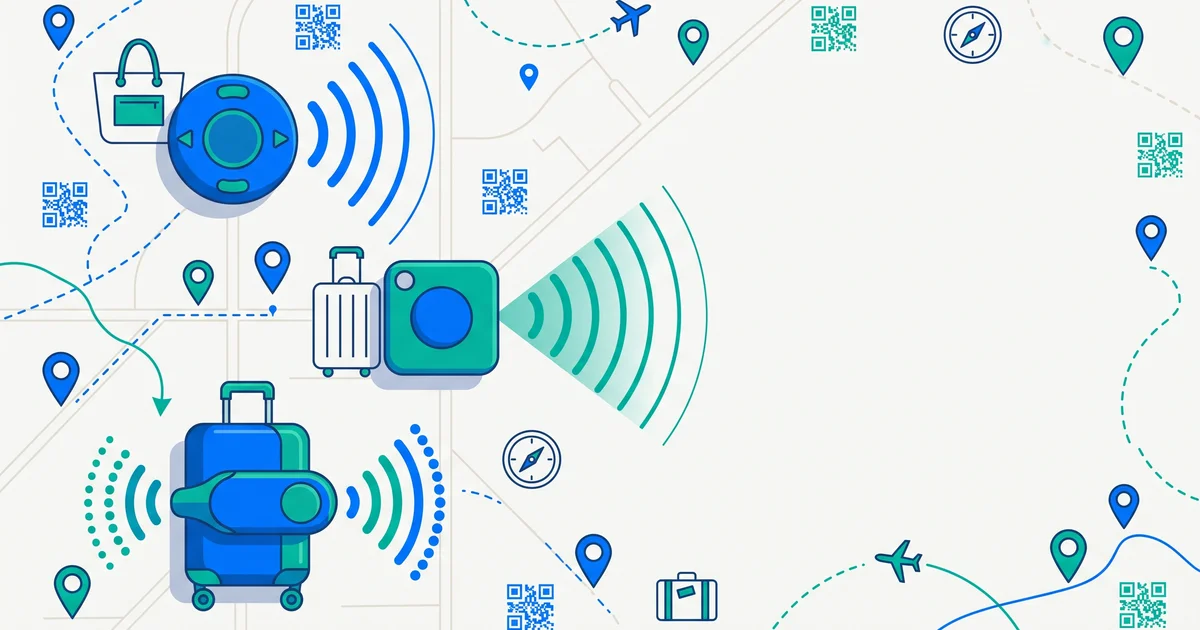
There’s no shortage of gadgets promising to solve lost luggage, and it’s easy to assume the fanciest one wins. But tracking devices and contact tags solve genuinely different problems, and knowing which one you actually need matters more than the spec sheet.
The short answer
Bluetooth trackers (AirTag, Tile, Galaxy SmartTag) tell you roughly where a bag is when it’s near another compatible device — great for confirming your bag made it to baggage claim or spotting it’s stuck at the wrong airport. GPS trackers give a live location almost anywhere but need charging, a subscription, and often can’t go in checked bags due to battery restrictions. A contact tag (ideally a QR code) doesn’t track location at all — it lets whoever physically finds your bag reach you directly. Most travelers get the most real-world value from combining a Bluetooth tracker for location with a contact tag for actually getting the bag back, since knowing where a bag is and having someone able to return it are two separate problems.
Comparing the three options
| Type | Tells you location? | Lets a stranger contact you? | Needs charging/subscription? | Checked-bag friendly? |
|---|---|---|---|---|
| Bluetooth tracker (AirTag, Tile, SmartTag) | Yes, when near another device | No | Small battery, no subscription (AirTag/Tile) | Generally yes |
| GPS/cellular tracker | Yes, real-time, nearly anywhere | No | Yes, both | Often restricted |
| QR/contact tag | No | Yes, directly | No | Yes, no restrictions |
What Bluetooth trackers are actually good at
An AirTag or Tile dropped in your bag piggybacks on a huge network of nearby phones to report an approximate location whenever it passes near one. This is genuinely useful for confirming a bag reached the right airport, or narrowing down “is it in this city at all” when an airline’s own tracking is vague. It’s a location tool, not a contact tool — the tracker itself can’t tell a baggage handler or a stranger who finds your bag anything about who owns it.
Where GPS trackers fit — and their real limitations
Dedicated GPS luggage trackers use a cellular connection to report live position basically anywhere, which sounds ideal. In practice, they need regular charging, usually carry a subscription fee, and many airlines restrict devices with lithium batteries above a certain watt-hour rating in checked luggage — rules that vary by carrier and change over time, so always verify before packing one. They’re a heavier commitment for a benefit that overlaps a lot with what Bluetooth trackers already do for most routes.
TagTrek turns any item into a smart QR tag. If it's lost, whoever finds it can reach you in seconds — no app, no account, no GPS tracking.


The part trackers don’t solve: getting the bag back
Here’s the gap that trips people up. Knowing your bag is sitting in a specific terminal doesn’t get it home — someone still has to physically notice it, decide to act, and have a way to reach you. That’s the piece a location tracker was never built for. A visible tag with your contact information does exactly that job: anyone who finds the bag, whether it’s an airline agent, a hotel porter, or a stranger who grabbed the wrong suitcase, can reach out immediately. For a deeper breakdown of tracker privacy trade-offs, see bluetooth tracker privacy and AirTag vs Tile vs SmartTag.
A practical setup that covers both problems
- Drop a Bluetooth tracker inside your checked bag to confirm it’s moving with your flight, not stuck behind.
- Attach a visible contact tag to the outside so it’s the first thing anyone sees if the bag is separated from you — see what to put on a luggage tag.
- Keep your tag’s info current before every trip, especially if you’ve changed your number recently.
- Don’t rely on either one alone — see never lose your luggage for the full prevention picture.
The bottom line
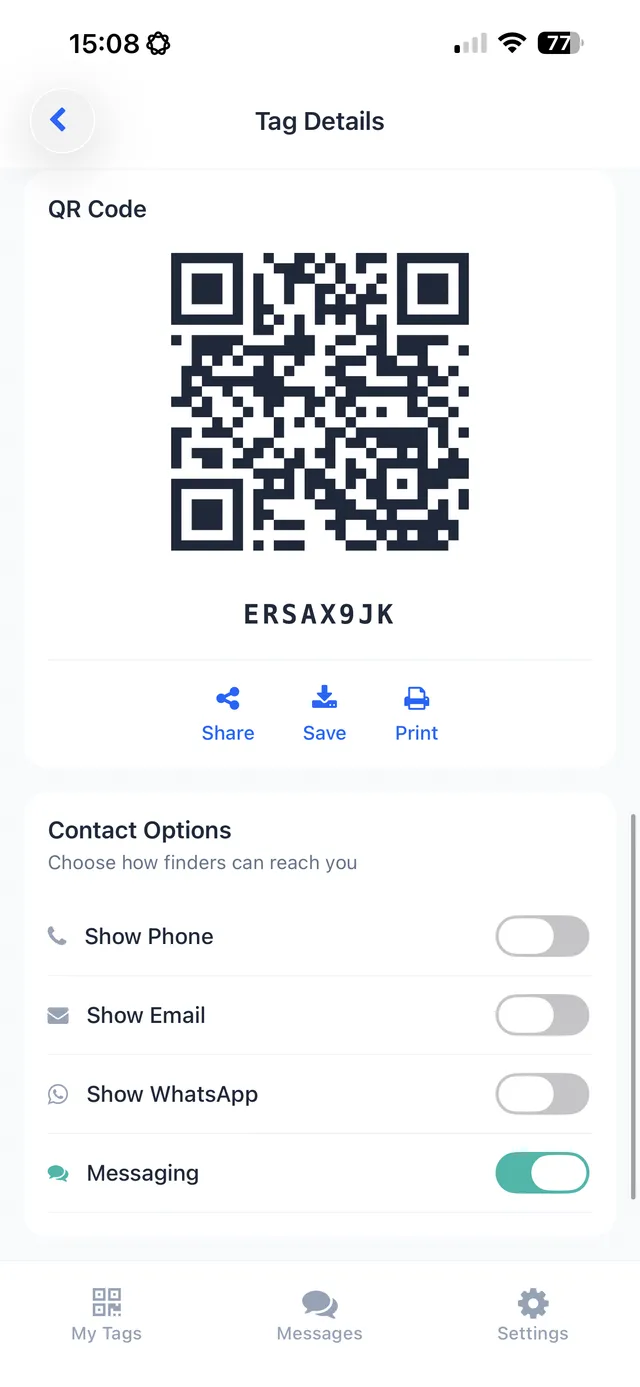
Location trackers and contact tags answer different questions — “where is it” versus “how do I get it back to you” — and a fully covered bag really benefits from both. TagTrek’s QR tag handles the second half: it’s a printable, attachable sticker that lets anyone who finds your bag contact you instantly by scanning it with their own phone, no app or account needed, with privacy-first, city-level location sharing only when you choose to enable it.
Frequently asked questions
What's the difference between a Bluetooth tracker and a GPS tracker for luggage?
Bluetooth trackers (like AirTag or Tile) rely on nearby devices in a crowd-sourced network to report a location and work best for finding a bag once it's roughly nearby. GPS trackers use cellular data for real-time location anywhere but need a SIM, subscription and charging, and many airlines restrict lithium battery devices in checked bags.
Do luggage tracking devices actually get a bag back faster?
They can tell you where a bag physically is, but they don't let anyone contact you. If your bag is sitting in the wrong city, a tracker confirms that — it doesn't get someone to send it back or reach out to you.
Are GPS trackers allowed in checked luggage?
Many airlines restrict devices with lithium batteries above a certain capacity in checked bags, and rules vary by carrier and country. Always check current restrictions before packing one in checked luggage.
What's the simplest way to make a lost bag returnable?
A visible tag with your contact information — ideally a QR code — lets whoever finds the bag reach you directly, without needing an app, account or compatible tracker.
Never lose your bag again
TagTrek turns any item into a smart QR tag. If it's lost, whoever finds it can reach you in seconds — no app, no account, no GPS tracking.